I made a WordPress plugin for my holidays. It’s called Travel Steps, and it turns a trip into a page with a map down one side and the story of each day down the other.
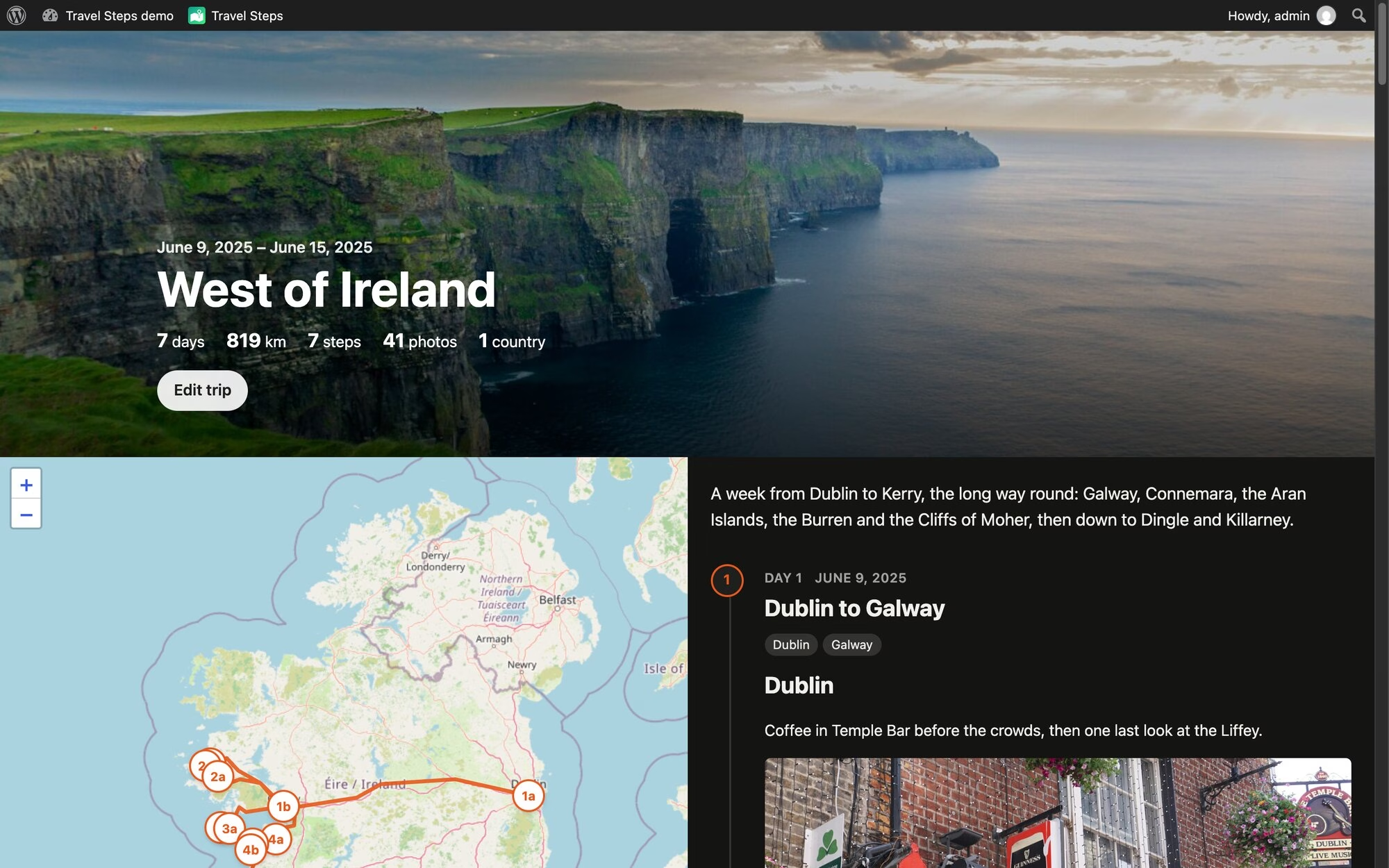
Every photo I take ends up in Immich, on my own server. My phone sends where I’ve been to Dawarich, on the same server. So after a trip I have all the photos and the whole route, sitting in two apps on my private server. The travel apps that make nice trip pages want your photos and your location on their servers. I’d rather keep them on mine.
How it works
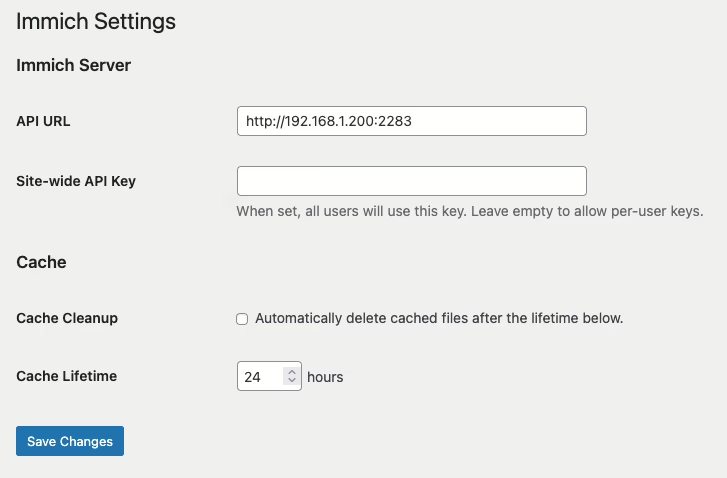
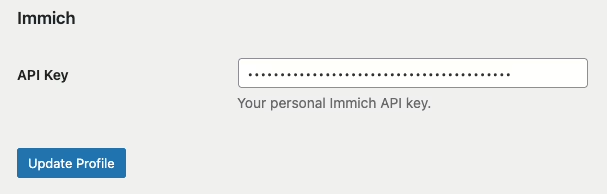
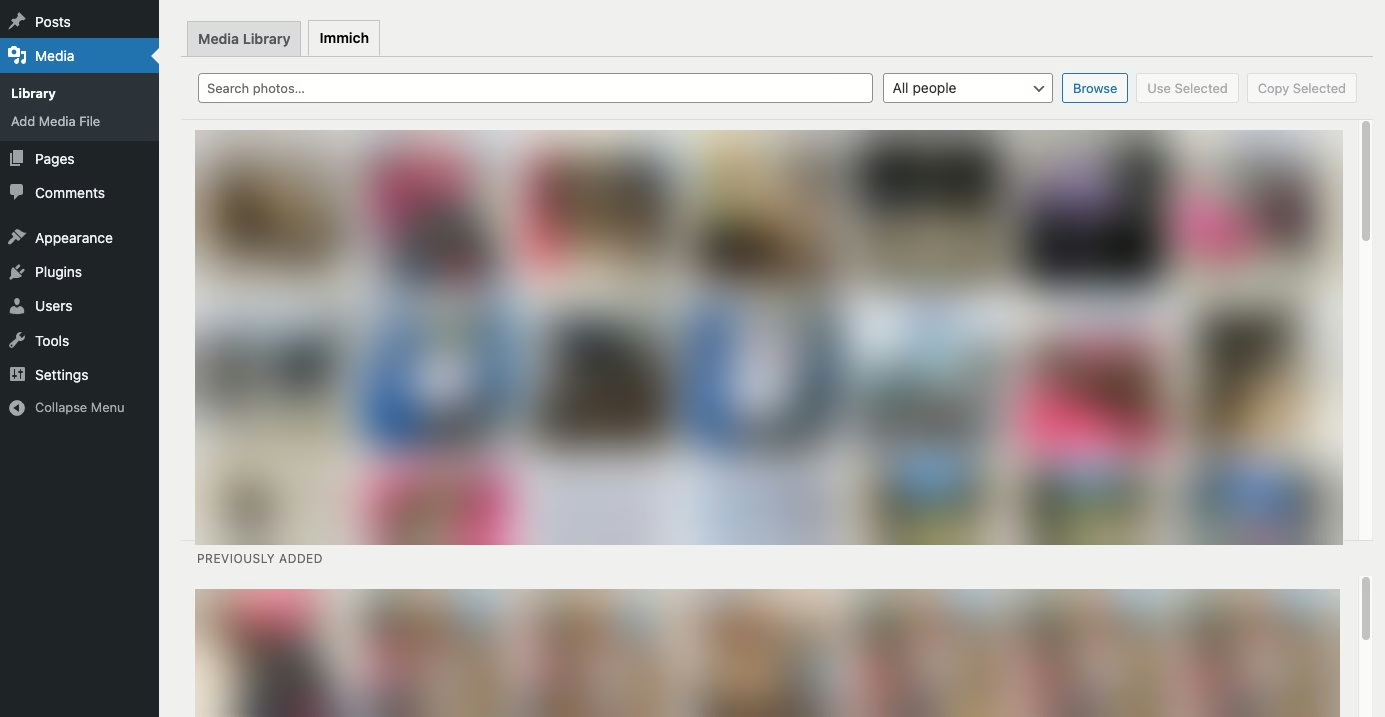
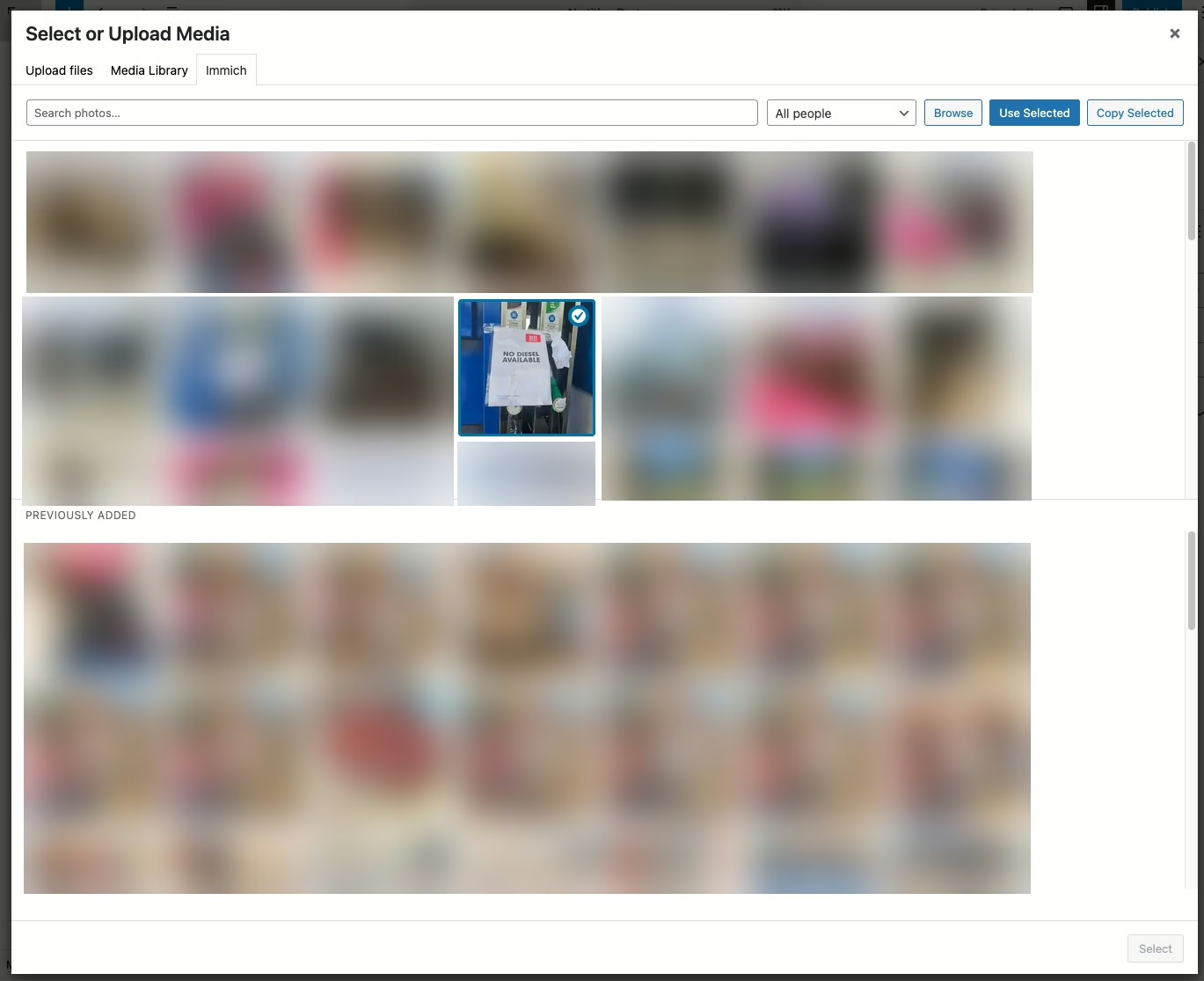
You make a trip, give it a first and last day, and press Sync. Travel Steps asks Dawarich for your location over those days, and Immich for the photos you took. You can pick one Immich album instead. If you don’t use Immich at all, upload the photos to the trip. It will detect the start and end dates from the uploaded photos, or an Immich album too.
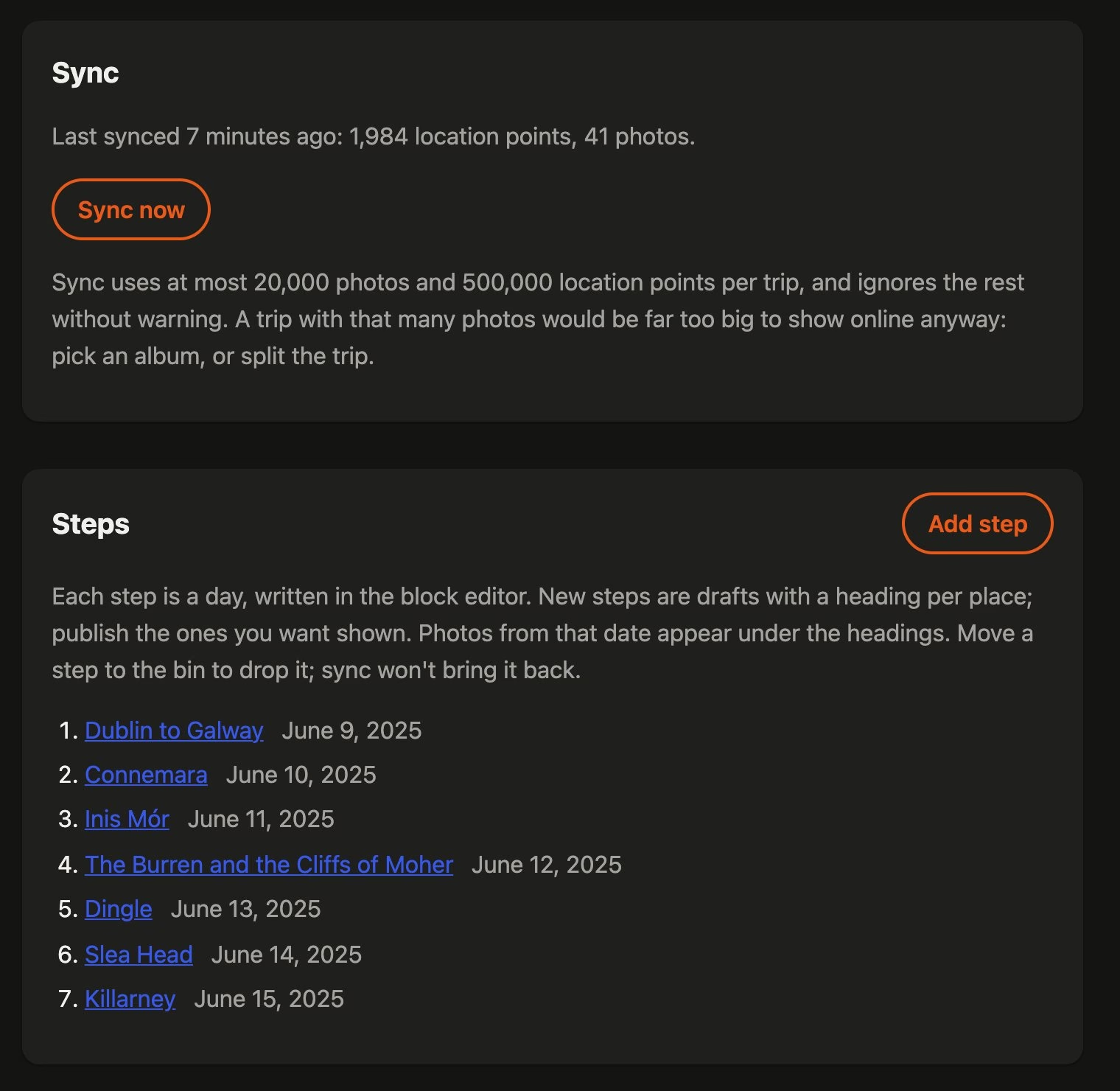
Sync makes a draft post for every day that has favourite photos. Each one is a “step”. It splits the day into places too. A new place starts when a favourite is more than 2 km from the last one and in a different town. Each place gets a heading and a block of photos, so all that’s left is the writing.
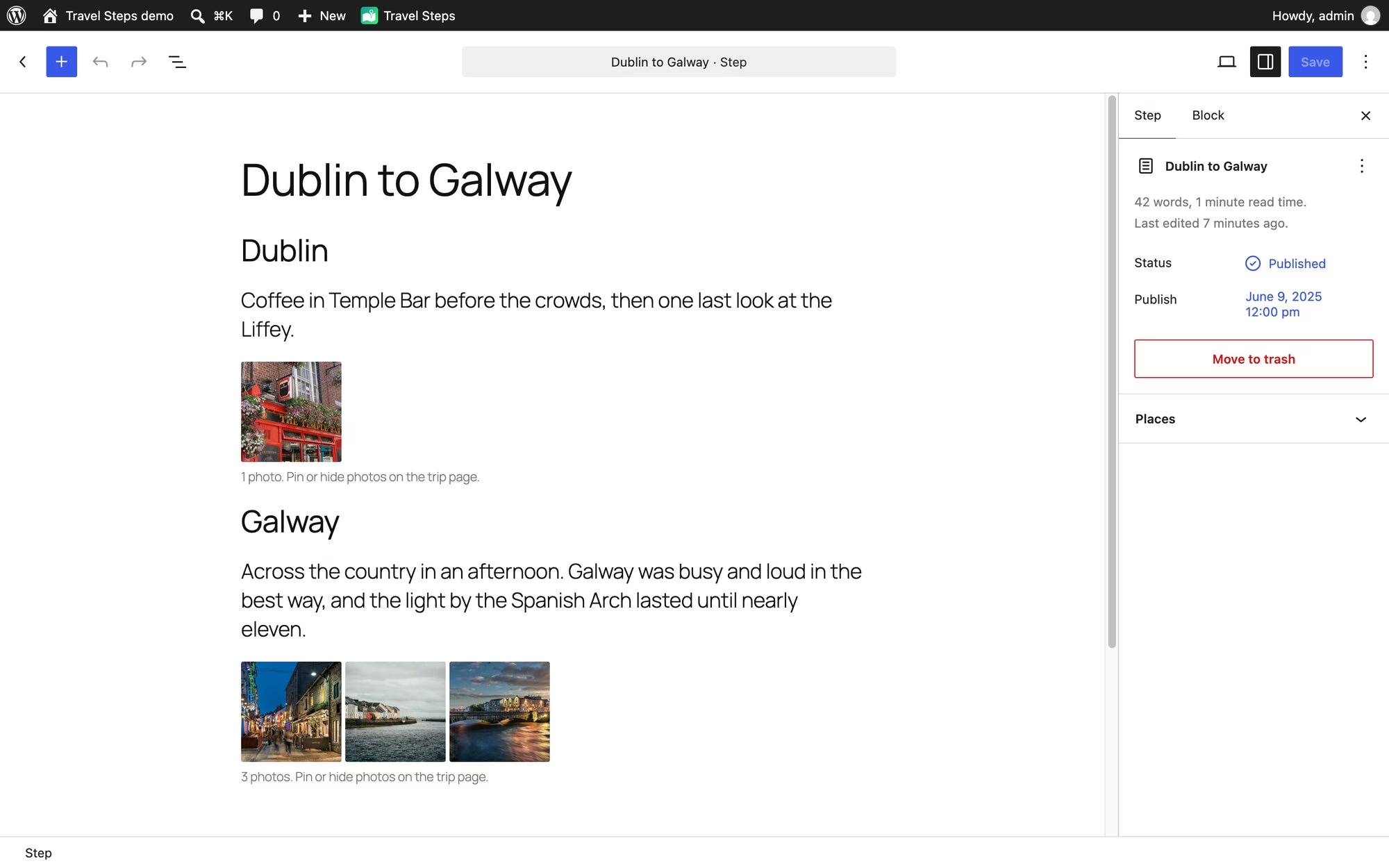
Place names come from GeoNames data that ships with the plugin, so naming a town doesn’t send your location anywhere. Immich only names a place from a photo’s own GPS. A photo from a camera without GPS gets placed from your Dawarich history instead, and named the same way.
Publish the days you want people to see. Drafts stay private, and so do their photos.
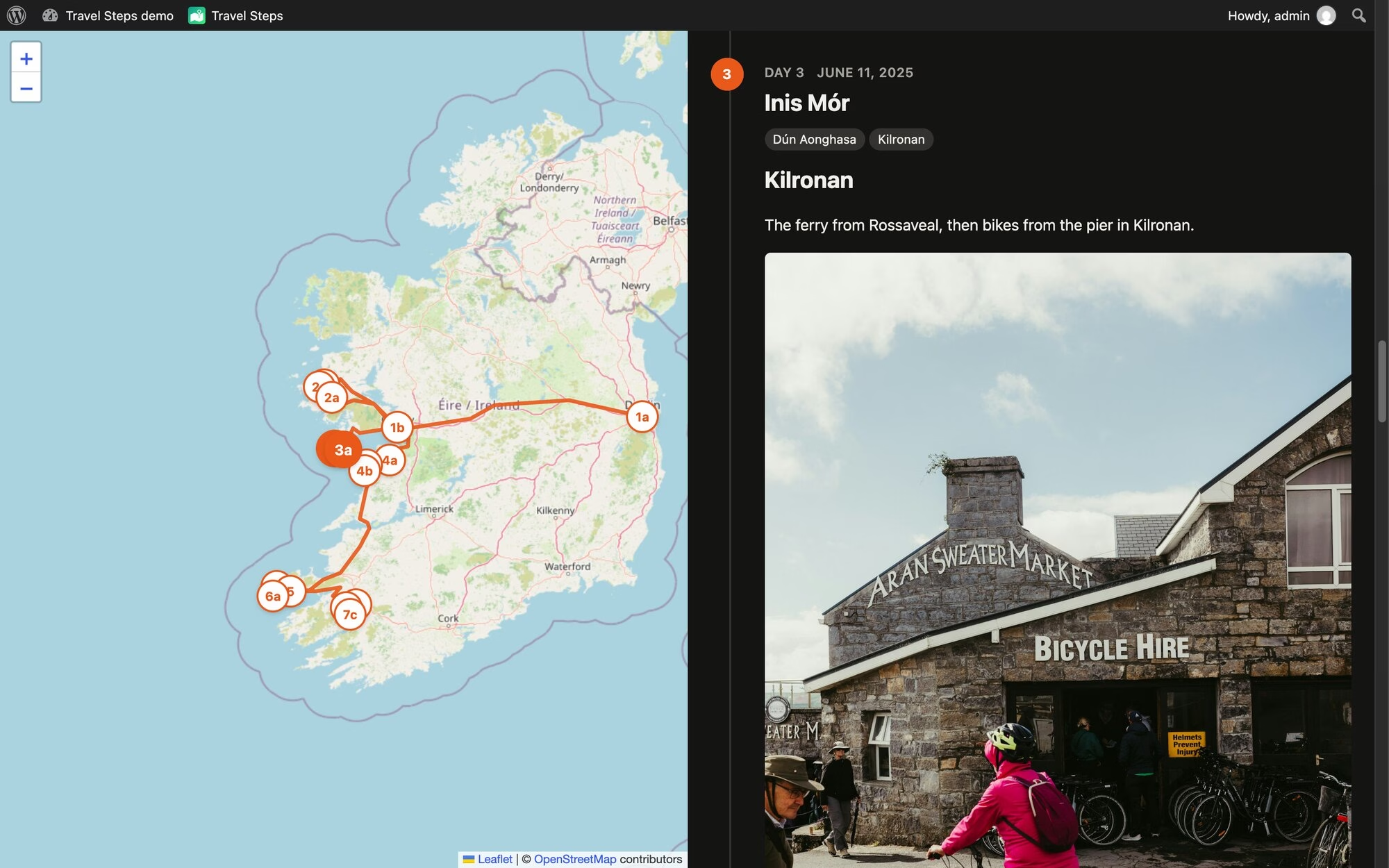
The distance at the top follows the whole route, flights included. GPS glitches that put you in the Atlantic for a second are dropped. Anything you’d have needed to travel faster than 1,080 km/h to reach counts as a glitch. Sorry, Concorde.
Your photos stay at home
Visitors never talk to Immich. WordPress fetches each photo, caches it and serves it itself, so Immich and the original files stay private. It caches a trip’s photos in the background after a sync. The trip keeps working when Immich is down. A daily sweep deletes cached photos older than a number of days you choose, whether a trip still uses them or not, and they’re fetched again the next time someone looks.
Photos you upload to a trip keep their GPS in the original, but it’s stripped from every copy WordPress makes, and only those copies are ever sent. A trip can have a password, and you can let some logged-in people skip it.
Pin, hide, cover
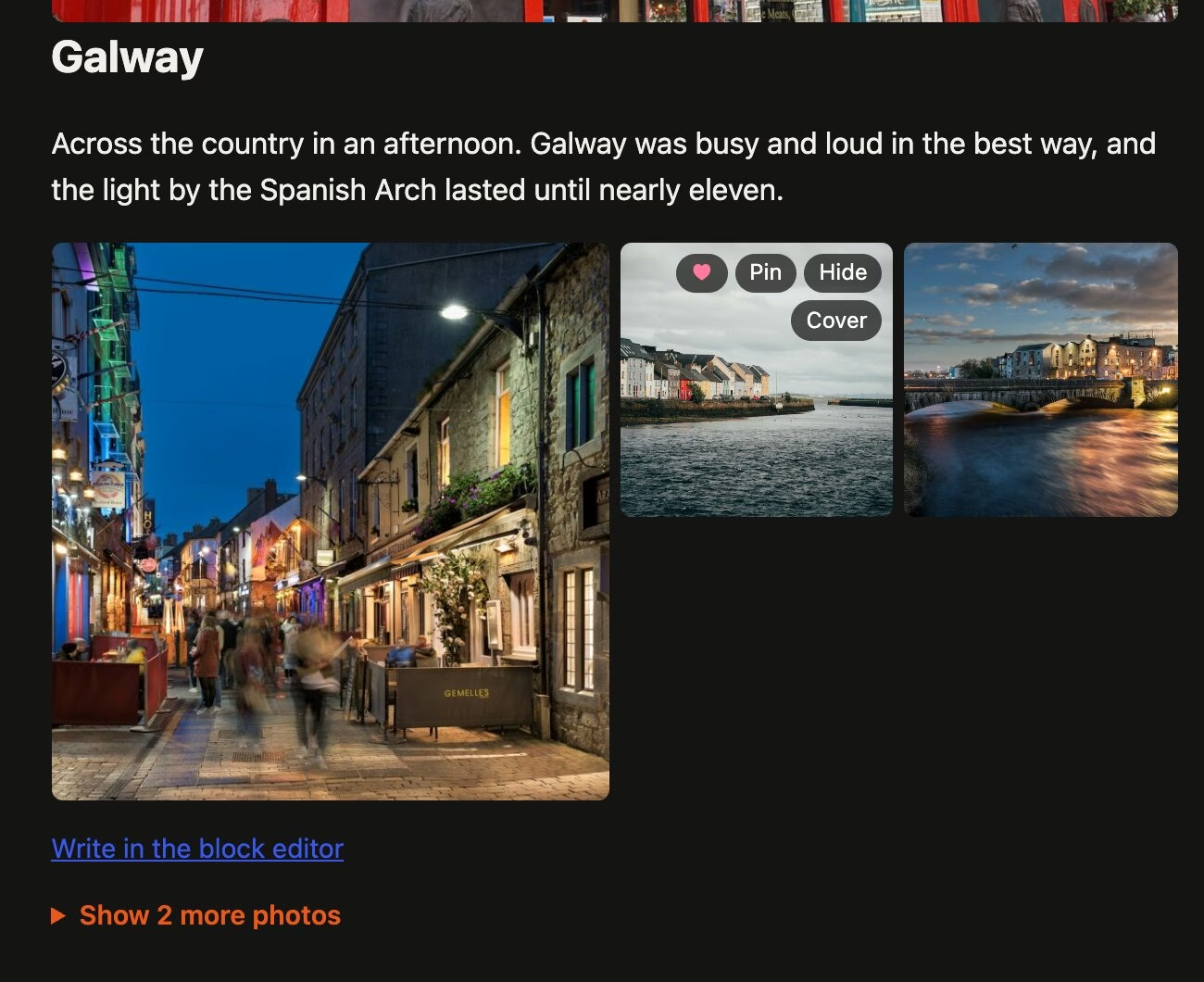
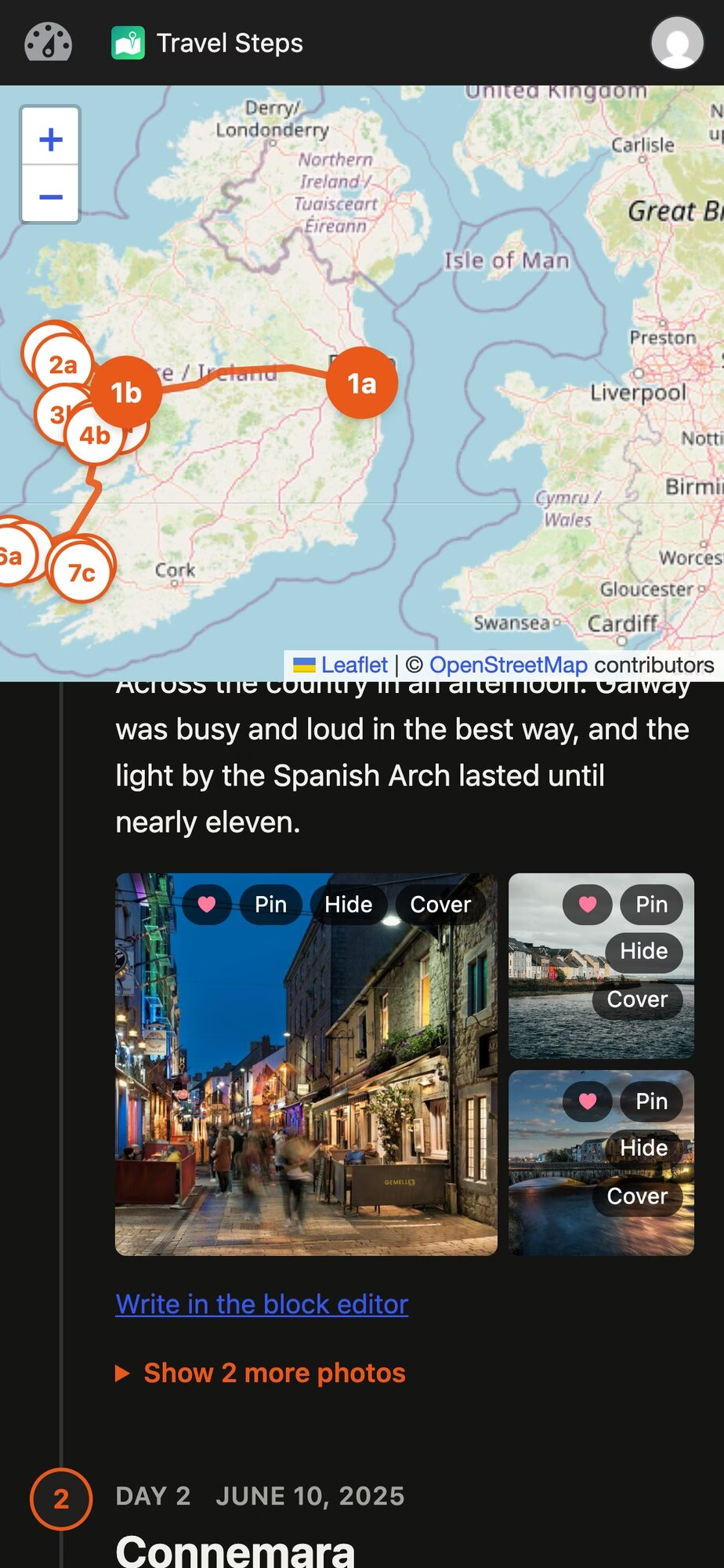
Hover over a photo to pin it (always show it), hide it, or make it the trip’s cover. The rest of the day’s photos sit behind a “Show more photos” link.
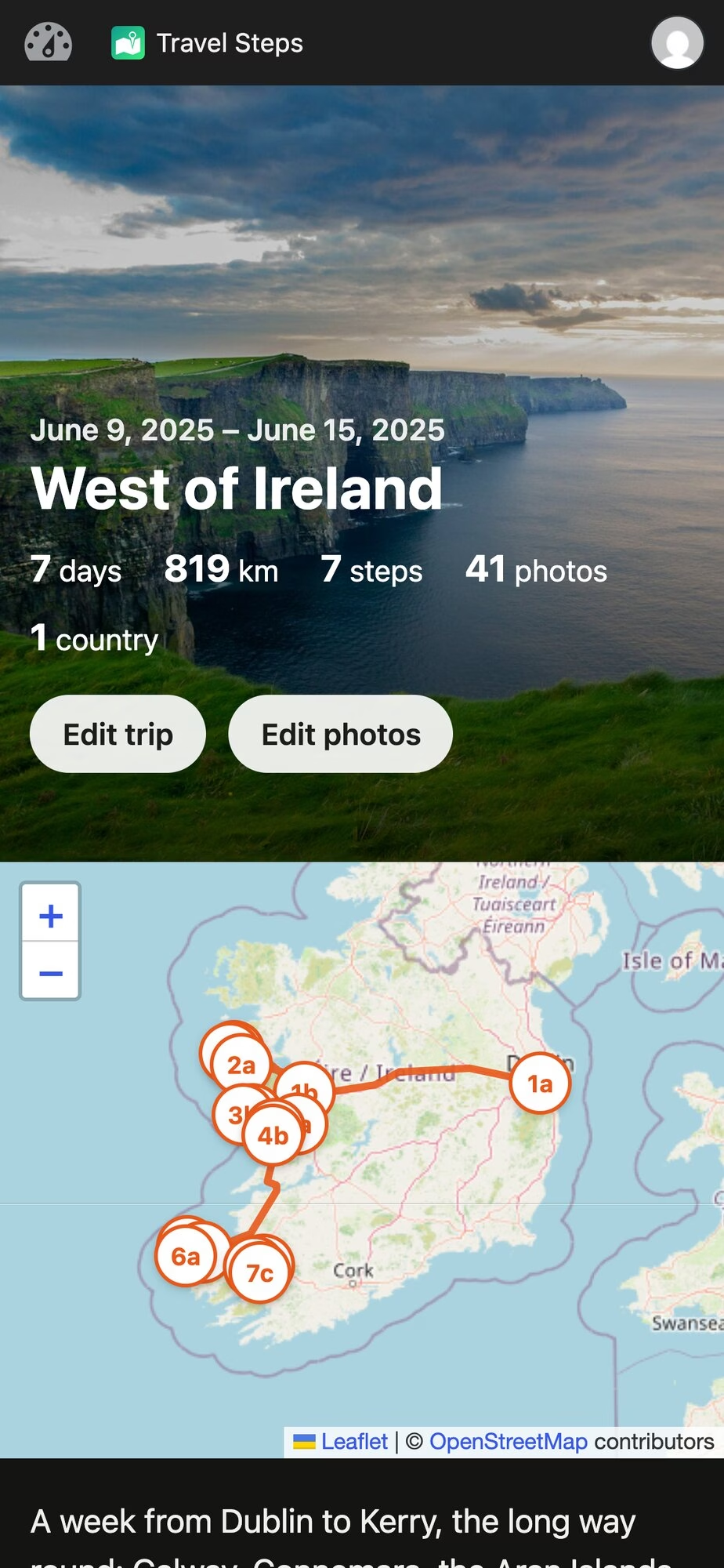
On phones, those buttons show up after you press Edit photos as illustrated by the images below.
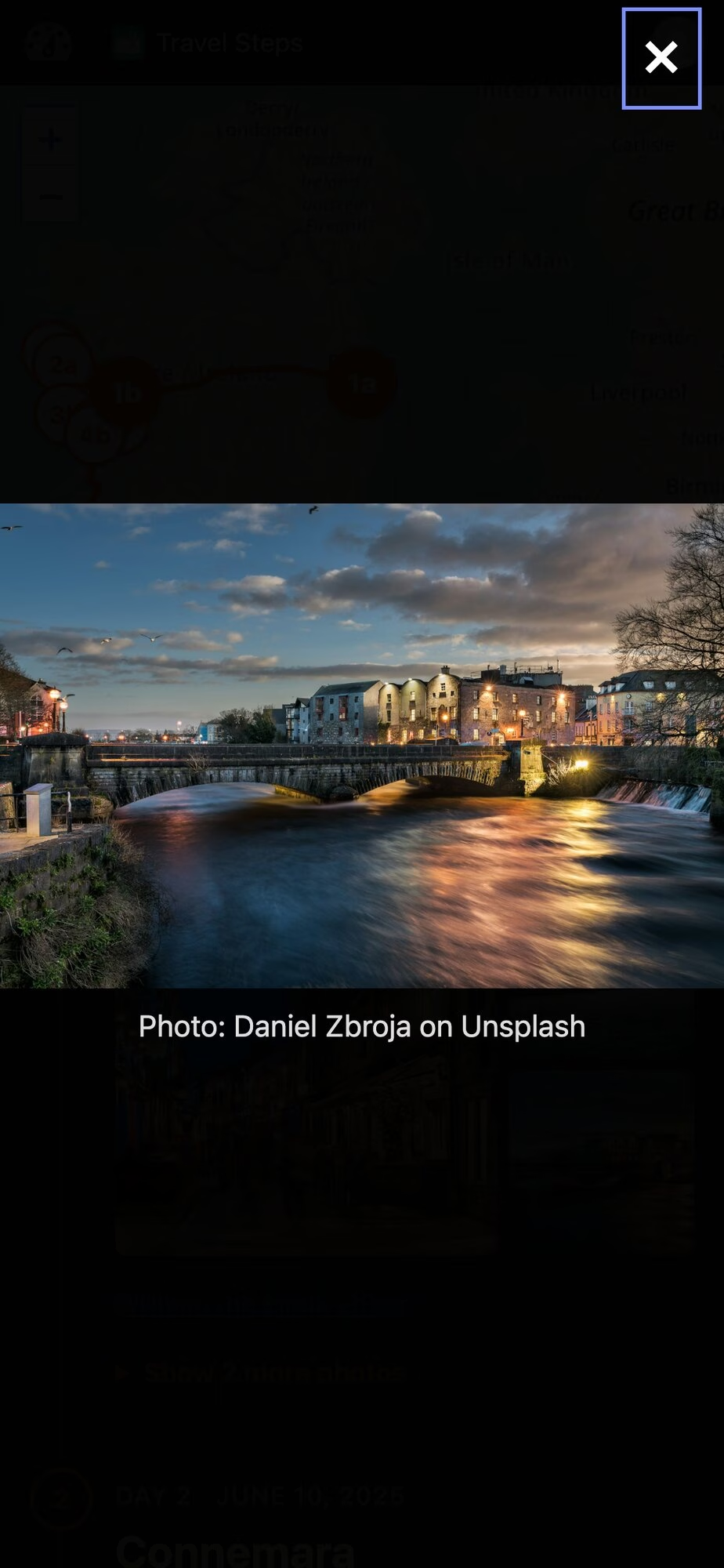
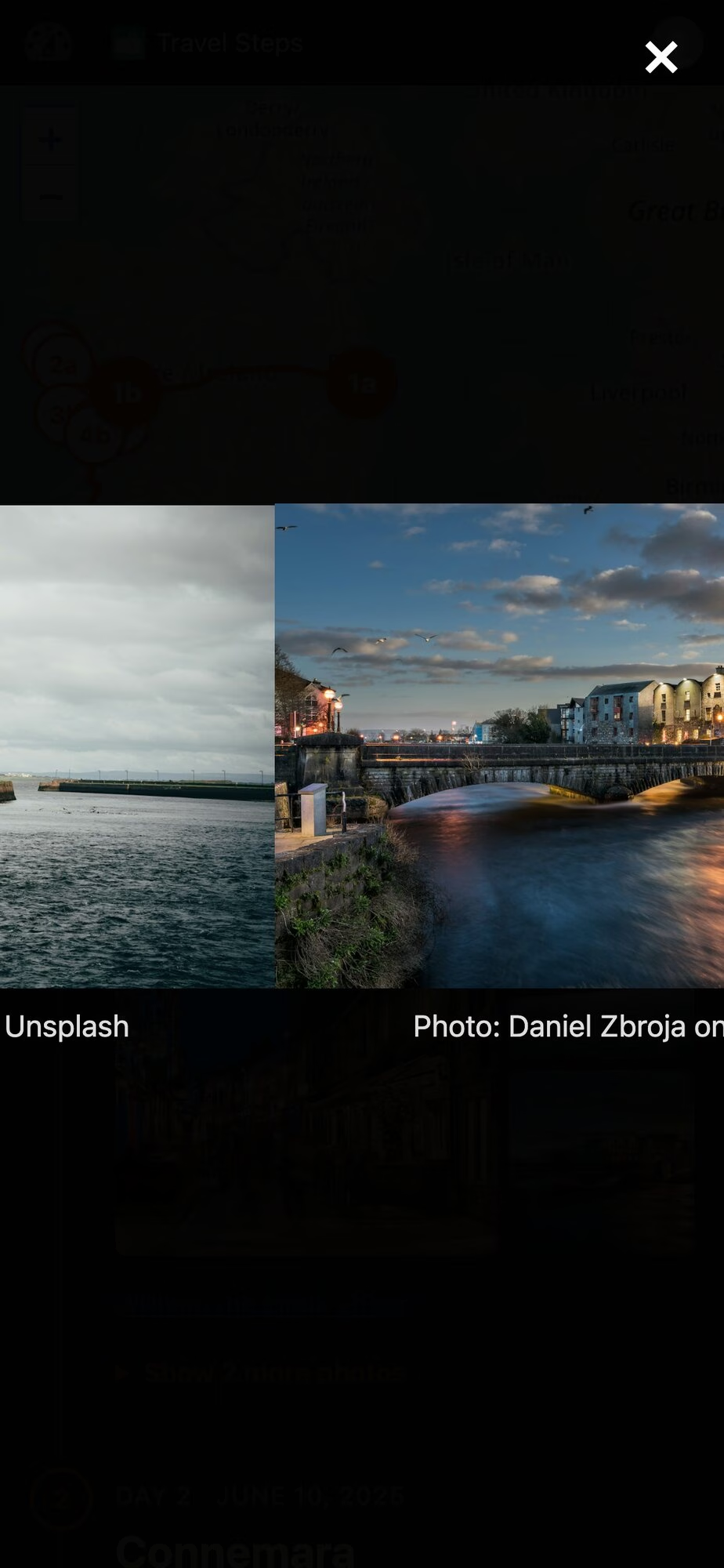
Tap a photo and it opens full screen. On a phone you swipe from one photo to the next, edge to edge. On a desktop there are arrows, and the arrow keys work too.
Try it
Here’s a demo in WordPress Playground. It’s a week in the west of Ireland, running in your browser that installs nothing. Stand-in Immich and Dawarich servers feed the real sync code with photos from Unsplash. You’re logged in as an admin, so press Sync, pin and hide photos, and edit the days in the block editor. It all disappears when you close the tab.
The code is on GitHub. To install it, download travel-steps.zip from the latest release and upload it under Plugins → Add New. It needs WordPress 6.7 and PHP 8.0. Immich and Dawarich are both optional. It has been submitted to WordPress.org but if you read this blog, you’ll know how to install a plugin from a zip file!
WpApp
Travel Steps is built on WpApp, Alex Kirk’s framework for building apps on top of WordPress.
A plugin usually adds screens to wp-admin, or puts its pages inside your theme and hopes the CSS gets along. A WpApp app gets its own URLs instead (/travel-steps/ here), and its pages are plain HTML with no theme in the way. WordPress still does the boring work: users and logins, roles, the block editor, the REST API, cron and the database. WpApp adds the bits in between:
- URL routing, using WordPress rewrite rules,
- pages that don’t load your theme,
- the admin bar on every page, with the app’s own icon (the green map at the top of my screenshots),
- access control using WordPress capabilities.
You can start one with composer create-project akirk/create-wp-app my-app. Alex has a showcase of apps built with it, including a cookbook and a family wiki.
Built with Claude Code
I wrote Travel Steps with Claude Code. The first commit was on 11 October, and there are many more now. Most of the work went round the same loop. I file an issue, Claude fixes it test-first on a branch and opens a pull request, and other agents review it. I deploy it to my own server and try it. The tests run in WordPress Playground too, the same as the demo.
If you run Immich, give it a whirl. Bug reports welcome on GitHub 🙂
Demo photos from Unsplash: Cliffs of Moher by Jarek Skowron, Temple Bar by Sarah, Galway by Daniel Zbroja and Anna Hunko, Kilronan by Jonathan Borba. Map © OpenStreetMap contributors.