Creating a Shared Photo Library in Immich

If you’re using Immich to manage your photos, you may have discovered that sharing photos between users isn’t as straightforward as you’d like. Many users, particularly couples or families, want a shared folder where both parties can upload photos that are automatically visible to each other, complete with face recognition and smart search capabilities.

Boats in Crosshaven at sunset.

While Immich has shared albums, they don’t quite solve this problem. The photos don’t appear in search and aren’t processed for face recognition or analysis. What we really need is a true shared library where both users have full access to the same photos with all of Immich’s powerful features.

Here’s a solution using external libraries and symlinks that creates a pseudo-shared folder between Immich users.

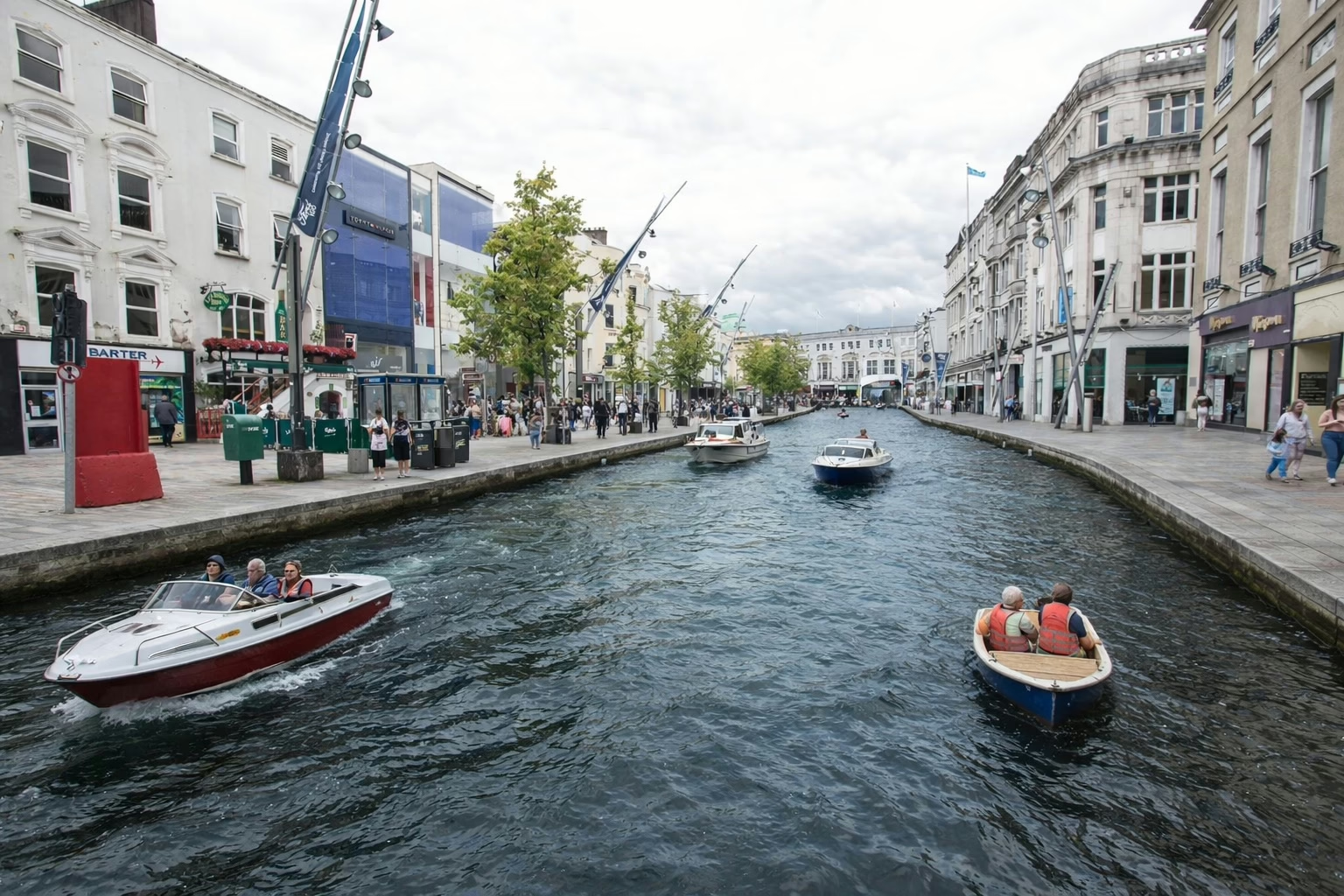
The as yet new and unnamed bridge in Cork.

Important: If you rely on uploading photos through the Immich app on your phone this method won’t work for you. You’ll need to sync the photos some other way and copy them into an external library. I export my photos from Lightroom Classic on my laptop, and Syncthing syncs them to the Immich server. Everything is automated from the moment I publish them to the shared directory.

Fisherman's hut in Connemara.

This approach uses external libraries and symbolic links (symlinks) to create a shared photo directory that appears in both users’ Immich libraries. Each user uploads to their own “shared” directory, and through symlinks, those photos automatically appear in the other person’s library as well.

Requirements

  • Access to the Immich server’s file system (typically via SSH or direct access).
  • External libraries enabled for each user.
  • Basic familiarity with Linux commands.

Step-by-Step Setup

Let’s walk through this with an example using John and Mary, a couple who want to share their photos.

1. Set Up External Libraries

First, both users need to have external libraries configured in Immich. For this example, let’s say the external library on the server is this folder:

/mnt/external_library/

It will be mounted in Immich at /external_library/ in this example.

Create a directory structure like this:

/mnt/external_library/
├── john/
│   └── shared/
└── mary/
    └── shared/

2. Configure the External Libraries in Immich

In Immich’s admin web interface:

  • For John, add an external library pointing to /external_library/john
  • For Mary, add an external library pointing to /external_library/mary

3. Create the Symlinks

This is where the magic happens. We’ll create symbolic links that connect each person’s shared directory to the other person’s external library.

Log in to the Immich server and run these commands:

cd /mnt/external_library/john/
ln -s ../mary/shared mary_files
cd ../mary
ln -s ../john/shared john_files

4. Upload and Scan

Now when John uploads photos to /mnt/external_library/john/shared/, they will:

  • Appear in his own Immich library
  • Automatically appear in Mary’s library (via the symlink at /mnt/external_library/mary/john_files)

The same works in reverse for Mary’s uploads.

After uploading, trigger a scan of the external libraries in Immich, and both users will see the shared photos.

A red deer digs up grass during the rutting in Killarney.

How It Works

A symbolic link is like a shortcut that points to another location in the filesystem. When Mary’s Immich library scans /external_library/mary/, it finds the john_files symlink and follows it to John’s actual shared directory. From Immich’s perspective, it looks like Mary has those photos in her library, but they’re actually stored in John’s directory.

Advantages

  • Full Immich functionality: Both users get face recognition, smart search, and all other Immich features on the shared photos
  • Simple uploads: Just upload to your own shared directory—no manual copying needed
  • Bidirectional sharing: Both users can add photos that the other will see
  • Single source of truth: Each photo is stored once (by the person who uploaded it)

Disadvantages

  • Duplicate processing: Immich will process each shared photo twice—once for each user. This means:
    • Face recognition runs twice.
    • Smart search/ML classification runs twice.
    • More CPU and storage usage for thumbnails and metadata.
  • File ownership: Photos remain in the uploader’s directory. If John deletes his Immich library or account, Mary loses access to his photos.
  • Requires server access: You need command-line access to the server to set up symlinks.

Important Notes

  • Upload directly to external libraries: Don’t upload to your main Immich library through the app. Upload directly to the shared directory in your external library.
  • Backup strategy: Make sure your backup solution covers the external library directories.
  • Permissions: Ensure that the Immich container has proper read permissions for all directories involved.
A man in a black coat and cap looks to the side in front of a "SALE" sign with people on the sign.
A young girl sits on the wall nearby.

Conclusion

While this solution requires some technical setup and comes with the overhead of duplicate processing, it provides a practical way to share photos between Immich users with full functionality. This approach has proven reliable for my wife and me, who wanted a shared family photo library without waiting for native multi-user library support in Immich.

If you’re comfortable with the command line and the tradeoff of duplicate processing, this solution provides the shared photo experience many users are looking for.

In my own world

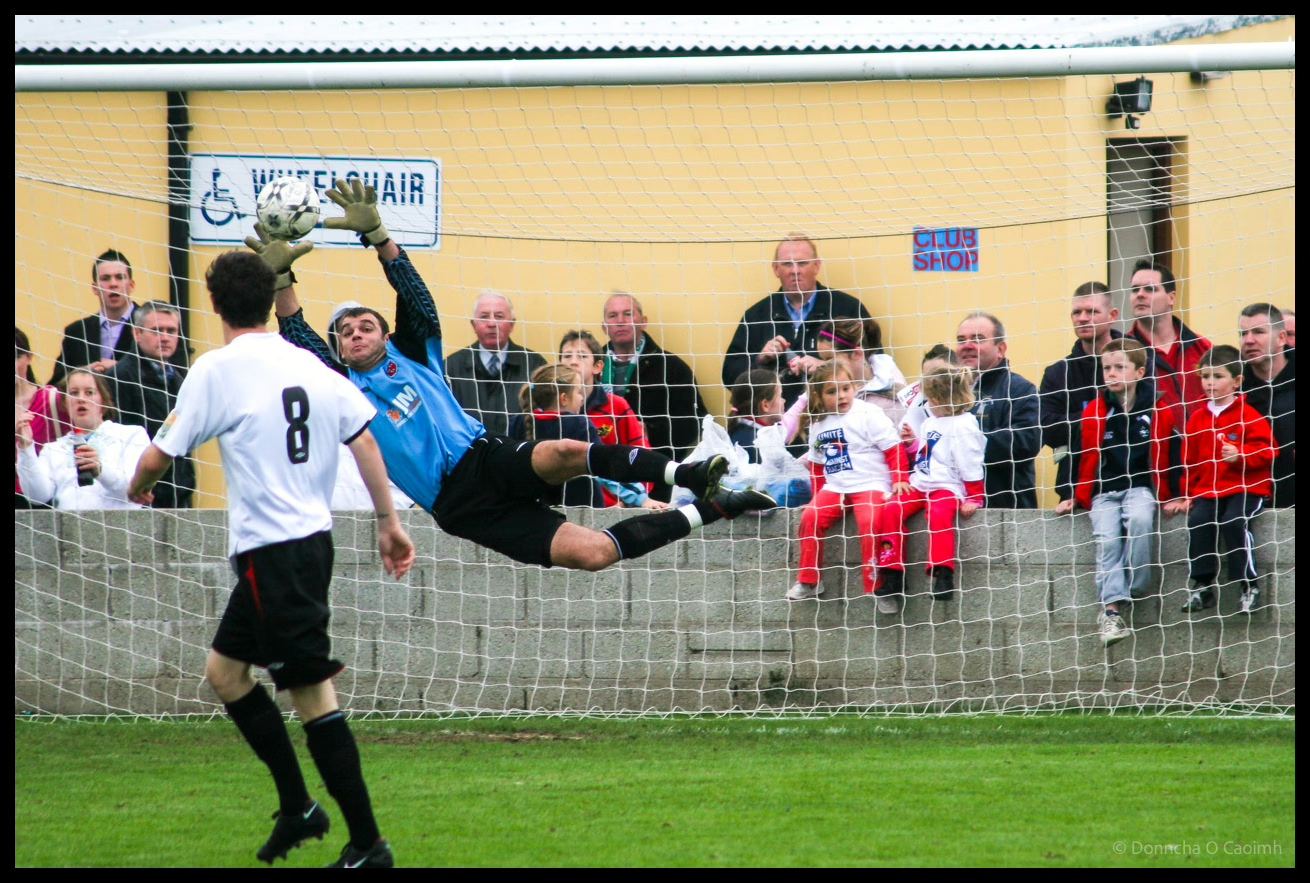
Dramatic action shot of goalkeeper in blue jersey diving horizontally through air with arms outstretched attempting to save shot during local football match, with player number 8 in white and black visible in foreground and crowd of spectators including children in red and white jerseys watching from behind goal net at community football pitch with yellow corrugated wall and wheelchair sign visible in background.

Sometimes I feel bad that I have no idea that Ireland are playing a match, or when I see all the threads on the Ireland Reddit and it’s the first I even hear we were playing Portugal.

But then I remember I have my own hobbies and obsessions they won’t know a thing about.

My wife was told by a friend that she’d never meet a man who wasn’t interested in sport. I guess she did.

Most people change with time

Some people don’t change however, and never learn from their mistakes.

“IT’LL be dark at 5pm before you know it” one parent dropping their child off at school cheerily said to themselves as the telltale sign that an Irish summer is over, Enoch Burke hovering at school gates, has arrived once again.

“Fuck sake,” confirmed much of the nation as the emergence of a wild Burke haring back to its unnatural habitat of outside a premises they haven’t worked at since 2022, signaled the summer is well and truly over.

Geotag your photos in Lightroom Classic

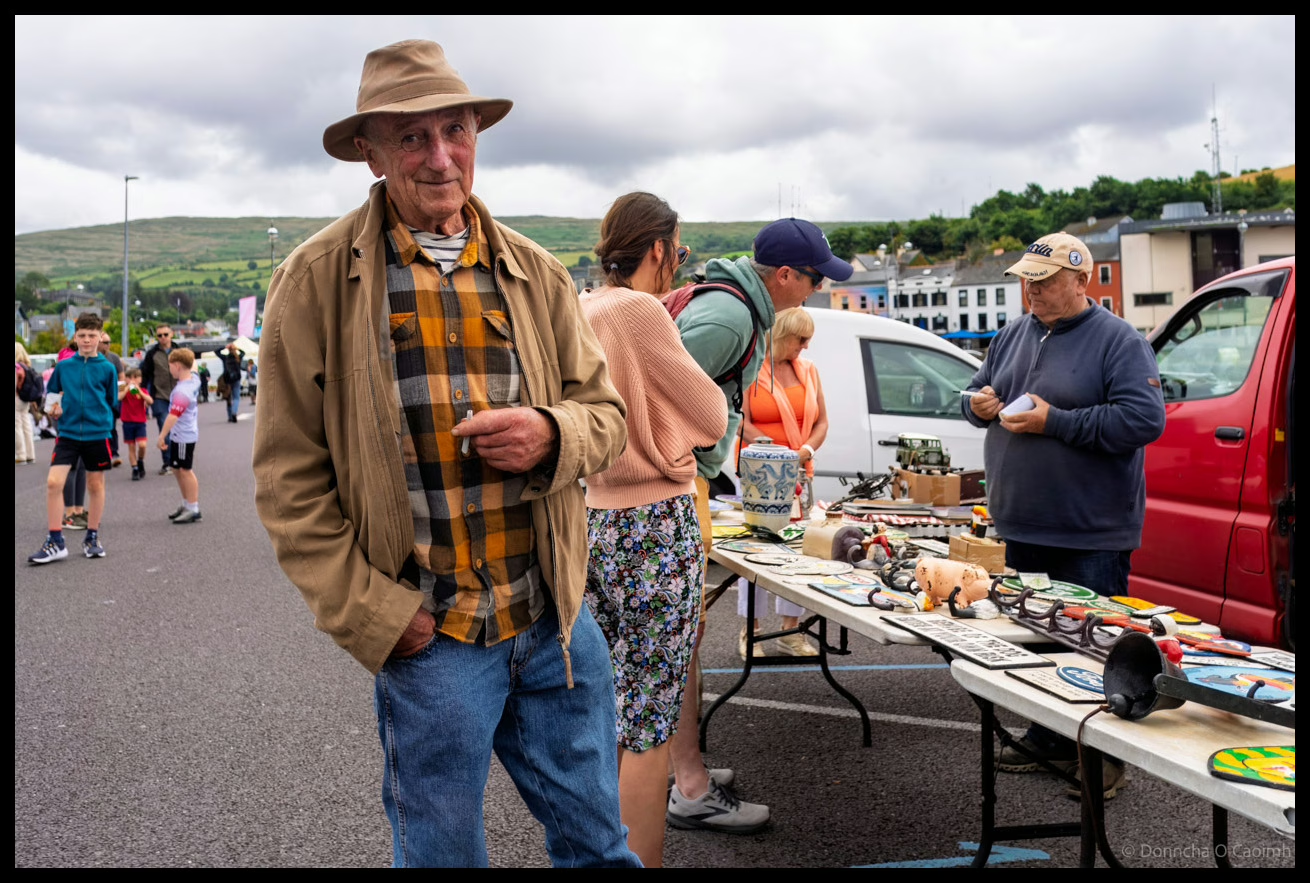
A gentleman in tan hat and plaid shirt standing at a busy car boot sale in Bantry with market stalls and shoppers browsing various items spread on tables, County Cork.

Geotagging your photos means adding location data to the image so they can be displayed on a map. Be aware that doing so might reveal sensitive information you’d rather keep secret like your home address.

You can of course remove location data when you export images, like I did with the images in this post.

Anyway, here is how I geotag my photos.

For photos I’ve already taken, I use Google Timeline and export it from my Google account using Google Takeout. You’ll get a rather large “Recent.json” file out of that. To convert that file into the GPX format usable by Lightroom Classic, use this Python script which I’ve already covered in this post.

When I go out with my camera now I use the Anrdoid app, OpenTracks. It’s a free app you can grab from f-droid, but there’s also a paid version on the Google Play Store if you want to support the developer. You can also use GPSLogger, a free app that has the advantage of being able to save your .gpx files to Dropbox or Google Drive.

On iOS, the myTracks app appears to do a similar job but I can’t test it. Please comment if you have tried it or know of decent alternatives.

To geotag your photos in Lightroom Classic, the Adobe documentation on the subject is excellent. Once you’ve opened the Map Module and done it once it’s easy to do again. When you geotag your photos, the Map Module will look like this.

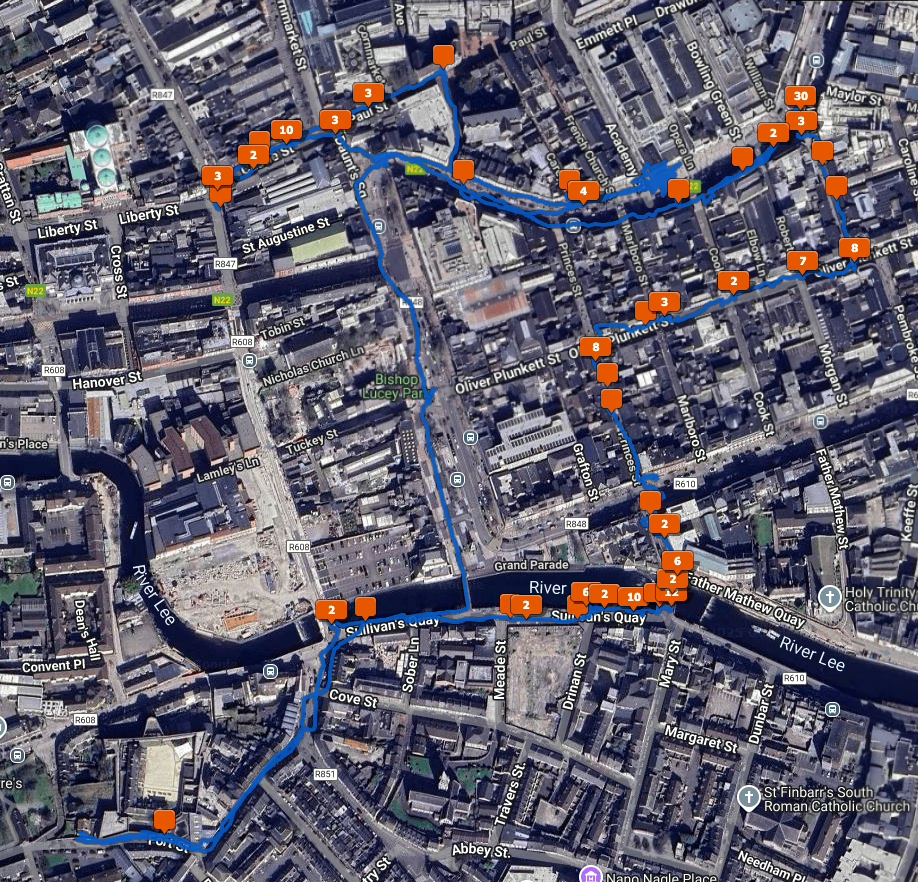
A satellite view of Cork City with a blue line showing where I walked and orange squares showing how many photos I took at various locations.

There is also Jeffrey’s “Geoencoding Support” Plugin for Lightroom that I’ve used for years but maybe it’s because of changes to LrC in recent years, it’s gotten really slow for me. I usually use the built in LrC functionality in the Maps module now.

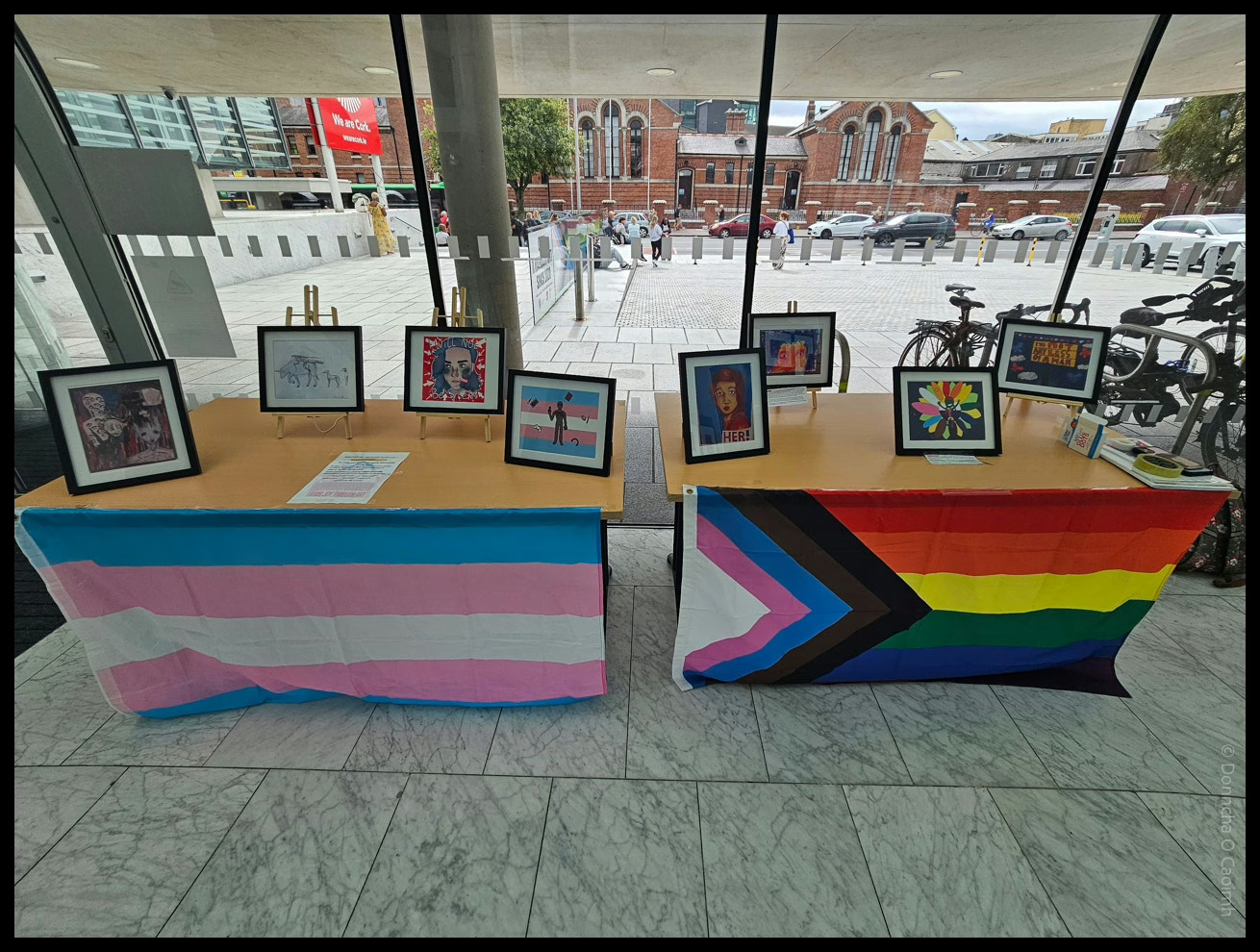
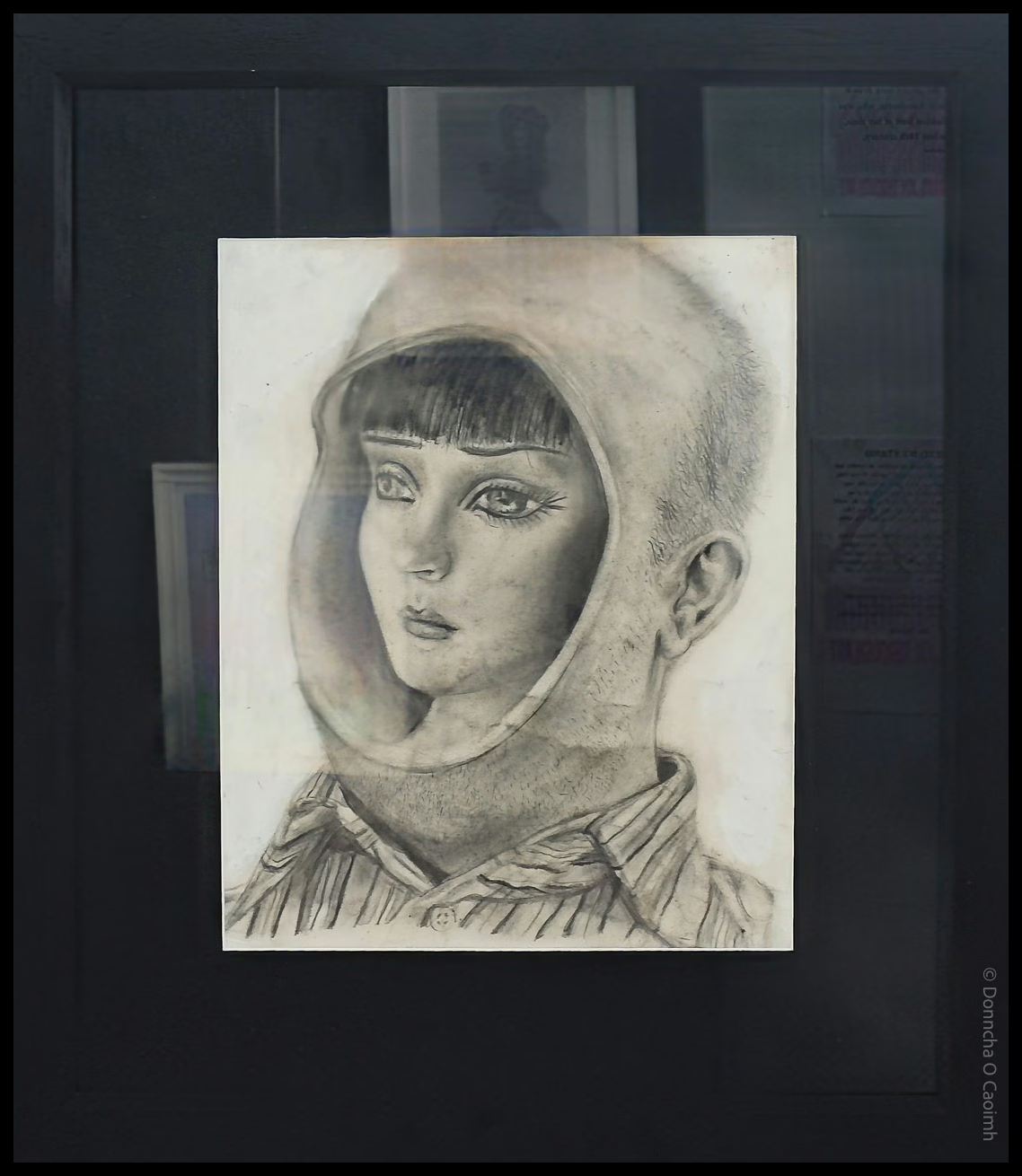
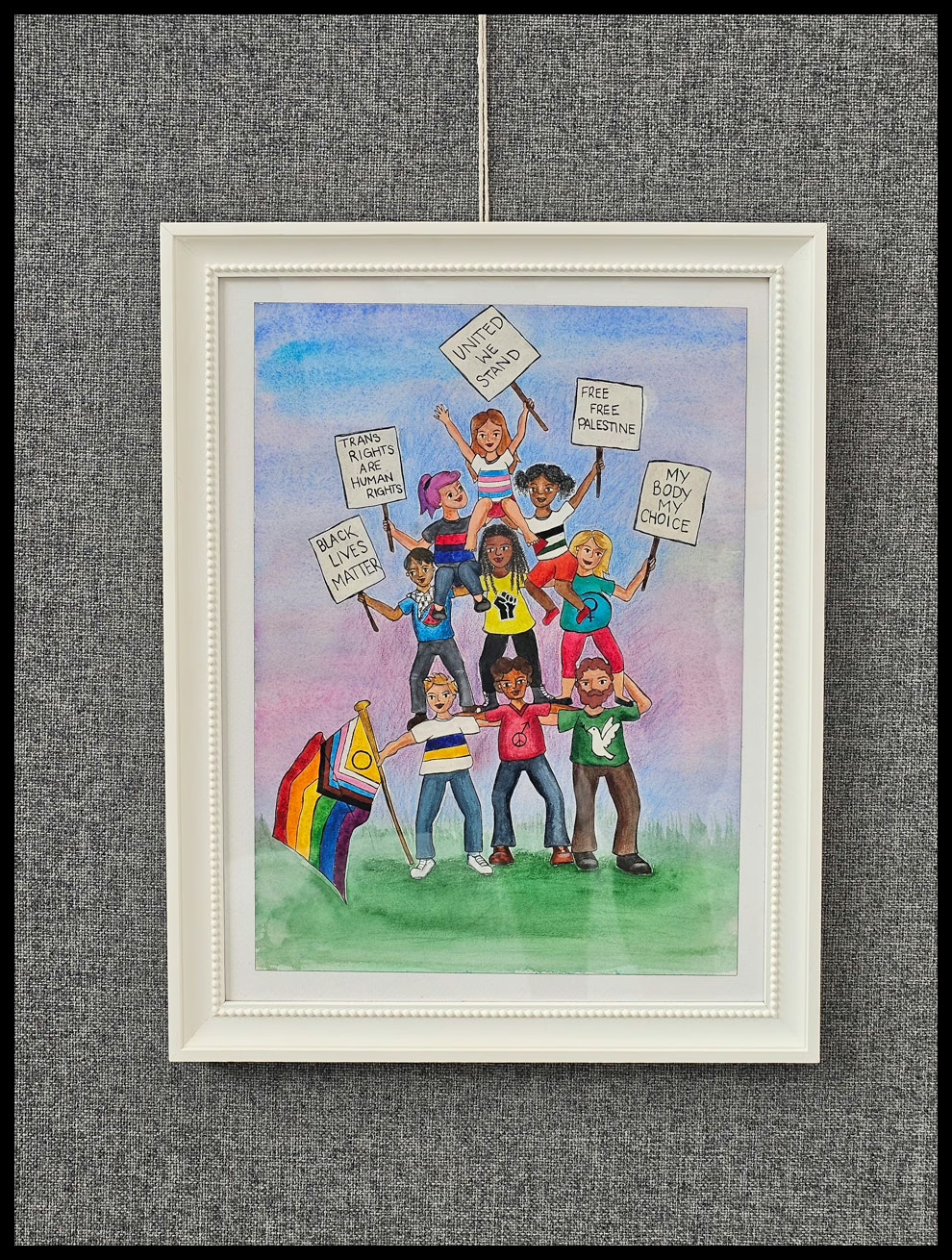
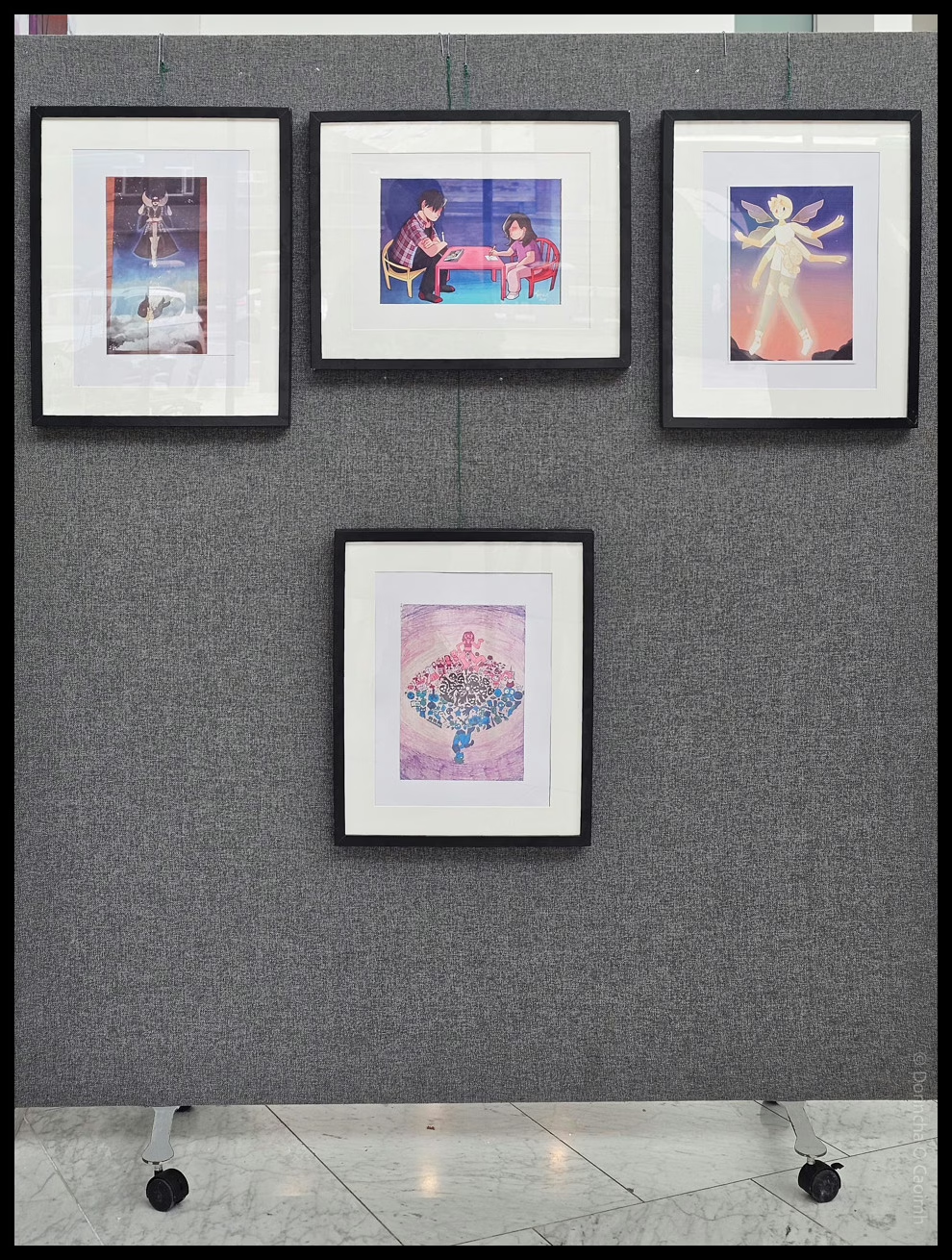
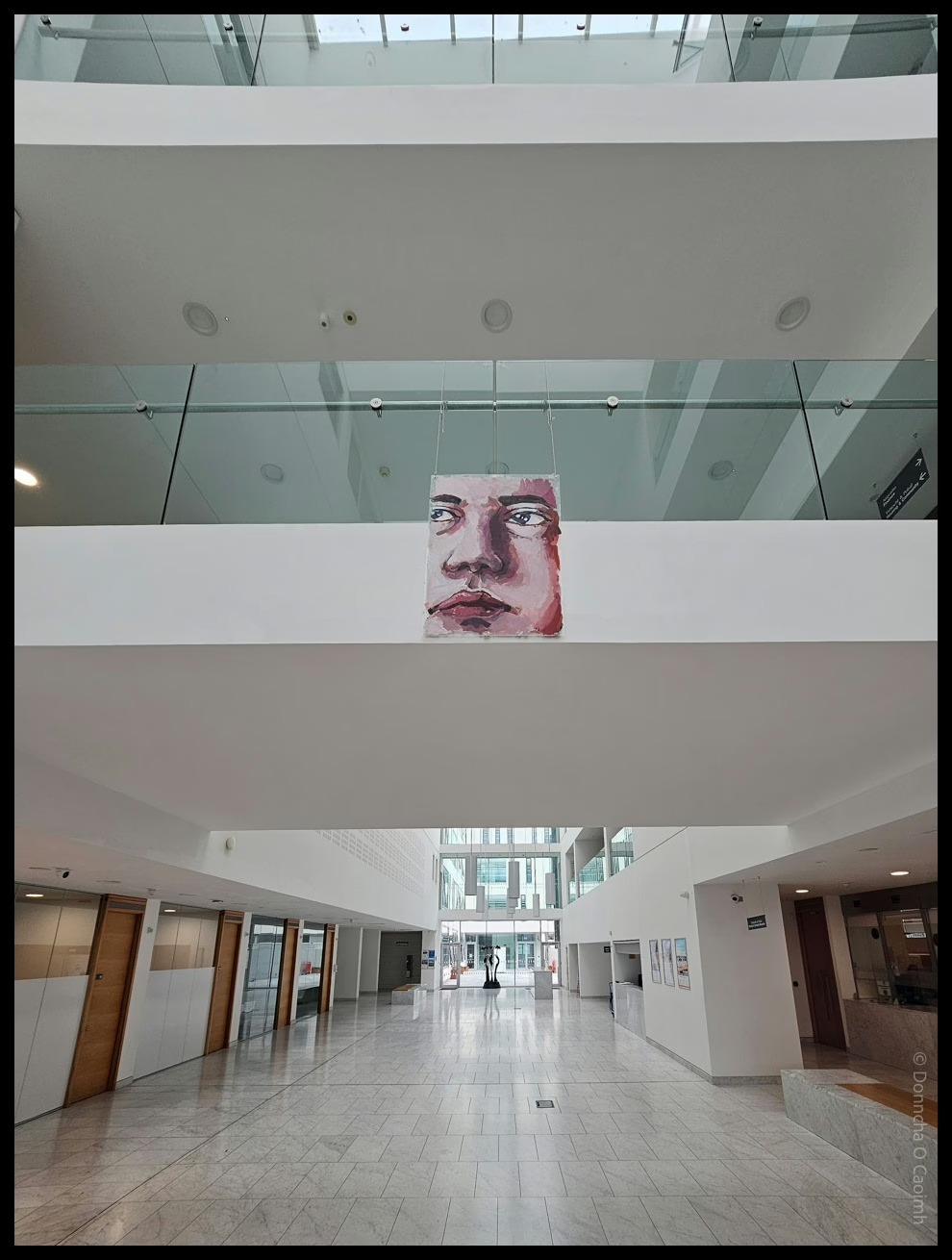
Transfusion Art Gallery at the City Hall

TRANSFUSION TRANS JOY THROUGH ART

@ Cork City Hall

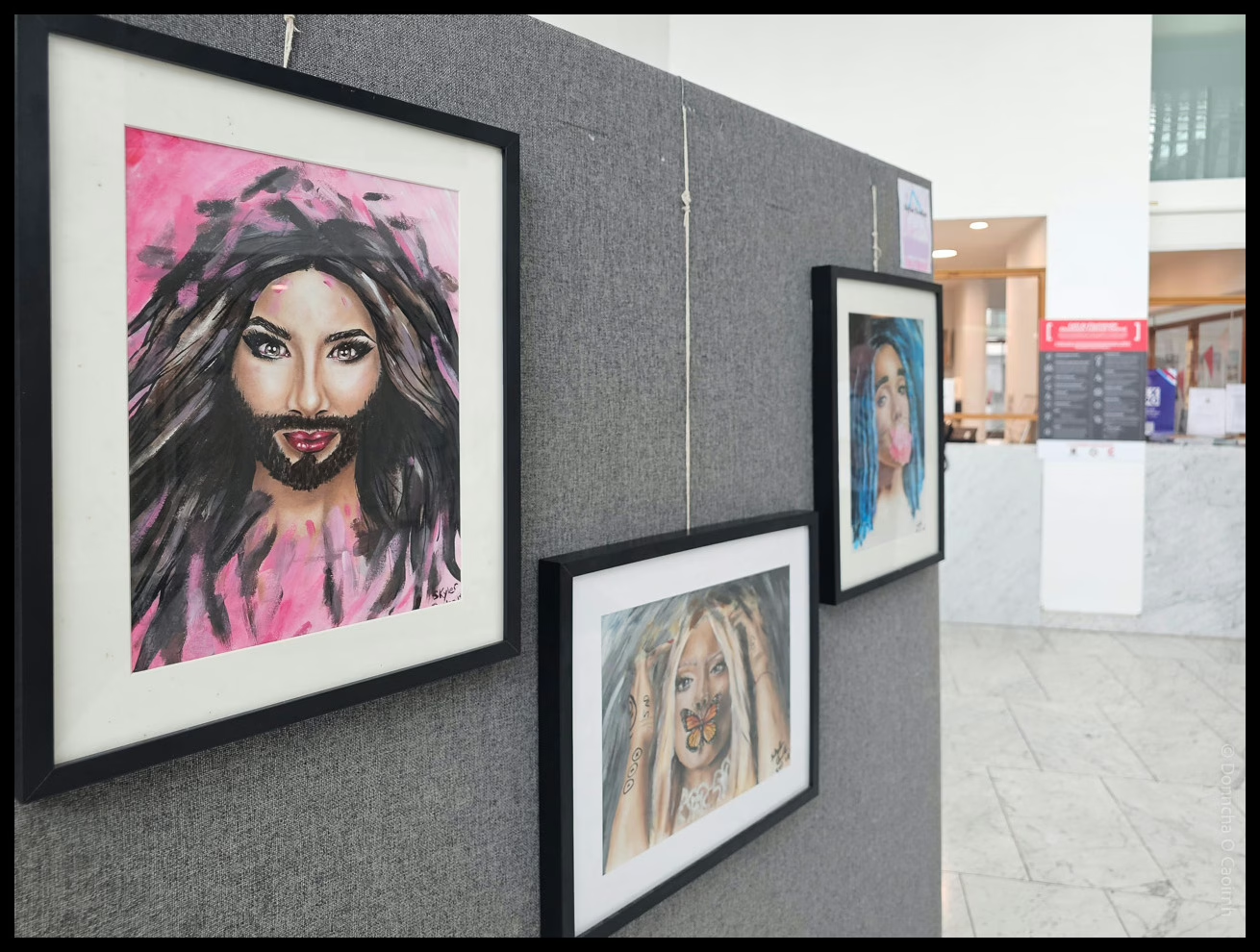
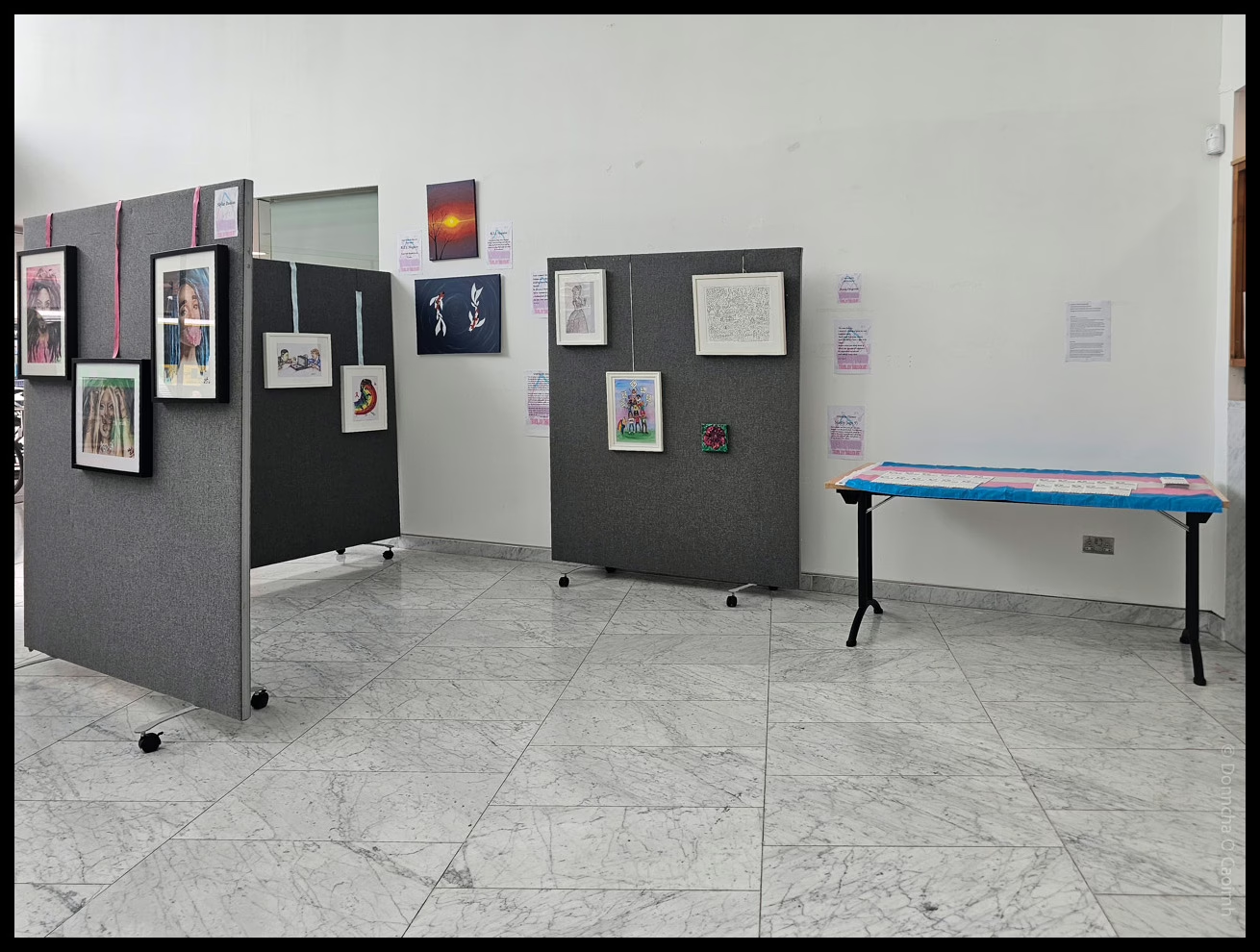
I helped the kind folk at TENI set up a small art exhibit in Cork City Hall yesterday. This week is Cork LGBT+ Pride Festival and this is one part of that celebration.

Transfusion features art made by young trans people, including a pencil drawing by the late Jordan Howe. She was a 19 year-old transgender woman from Belfast who took her own life because of transphobic bullying in 2014.

Drop into the City Hall on Anglesea Street. You can’t miss it. The exhibition will be on until August 15th.

It’s been rather warm in Ireland of late

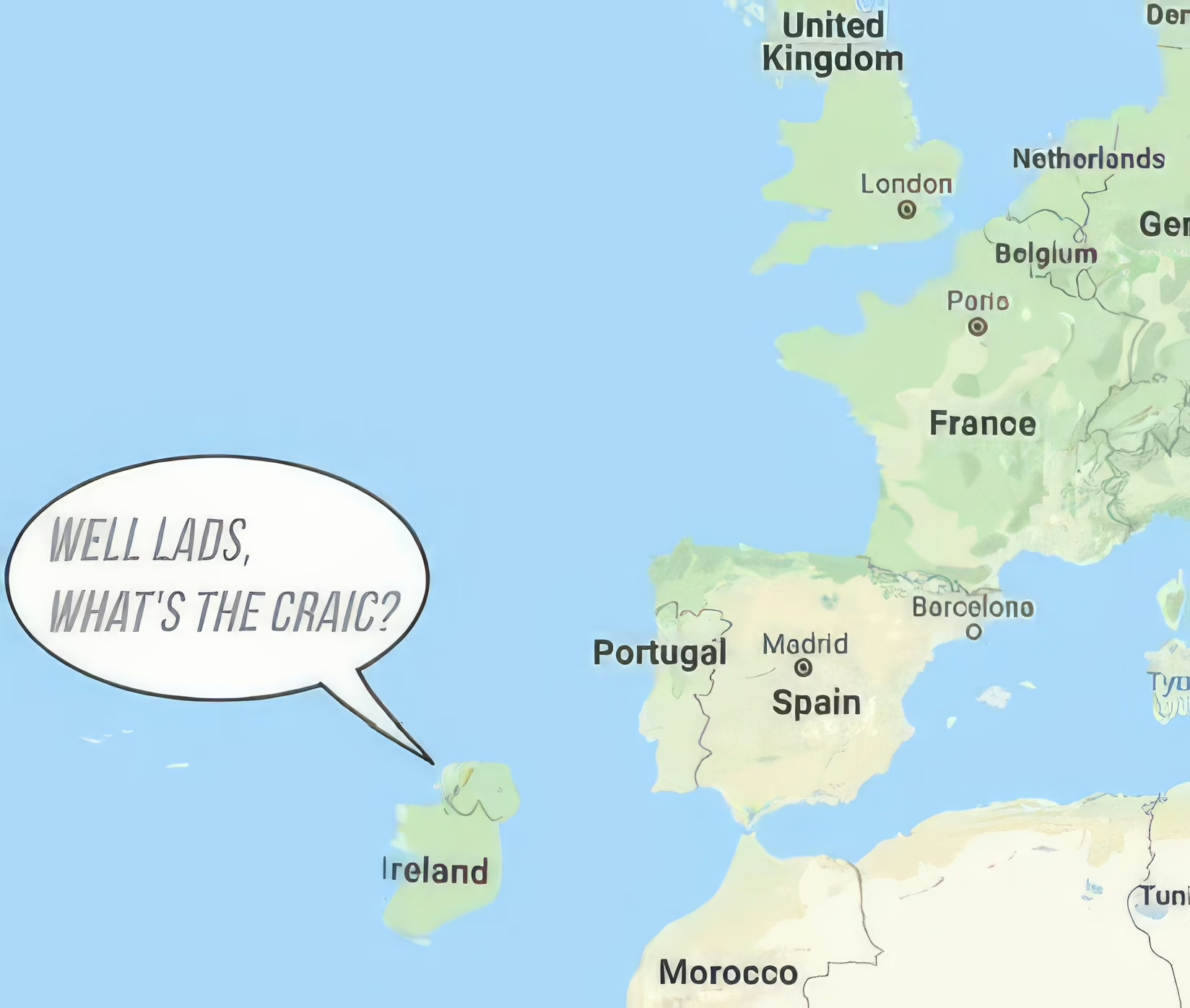
A map of Europe with Ireland down by the mouth of the Mediterranean, and a speech bubble coming from it saying, "Well lads, what's the craic?"

Most of the people on this green isle of ours aren’t “built for this sort of weather” as I’ve heard people say a few times over the last few days. There’s a heatwave here that I’m sure most people in southern Europe would scoff at. Temperatures are in the mid-twenties, and beaches are filled to overflowing, so the Guards requested people go to other locations.

There’s rain due next week. Back to a normal summer for us, and Ireland will slowly get back up to the North Atlantic.

PS. Don’t look too closely at the place names. The original image comes from a Facebook post where I’m sure they stole it from elsewhere, but they used a postage-size image I blew up in Topaz Photo AI for this post.

Malaysia, no 1 for recycling

it’s fitting that I was listening to the segment at around minute 18:00 of this podcast about recycling when I was putting the rubbish bins out.

Most of the recycled material in Europe ends up in Malaysia, apparently. And it sure isn’t completely recycled.

An EPA report stated that, “Plastics present a serious challenge. Only 28 percent of plastic packaging waste was recycled in 2021, a long way off the 2025 EU target of 50 percent. The majority of Ireland’s plastic packaging waste is being incinerated.”

If a portion of that 28% of plastics is being sent abroad, then our recycling rate must be even worse.

Ireland is Red Tonight

Storm Éowyn is battering the country with winds gusting to 130km/h. Hope everyone stays safe tonight. It started raining here around an hour or so ago, and I can hear wind gusting outside from where I sit.

Status Red – Wind warning for Carlow, Kilkenny, Wexford, Cork, Kerry, Limerick, Waterford

Met Éireann Weather Warning

Storm Éowyn: Gale to storm force southerly winds becoming westerly with extreme, damaging and destructive gusts in excess of 130km/h

Impacts:

• Danger to life
• Extremely dangerous travelling conditions
• Unsafe working conditions
• Disruption and cancellations to transport
• Many fallen trees
• Significant and widespread power outages
• Impacts to communications networks
• Cancellation of event
• Structural damage
• Wave overtopping
• Coastal flooding in low-lying and exposed areas

Valid: 02:00 Friday 24/01/2025 to 10:00 Friday 24/01/2025

Issued: 17:08 Wednesday 22/01/2025

Updated: 08:28 Thursday 23/01/2025

Kennedy Quay development on hold?

Today I learned that the development of Kennedy Quay in Cork is on hold because An Bord Pleanála decided to refuse permission to develop Marino Point. To save you a click, it’s because they never had any plans for improving the roads in the area.

An Bord Pleanála decided this week to refuse planning to agricultural and chemical firm Goulding to develop port facilities at Marino Point in Cork Harbour, a decision that was two years overdue.

Despite being located in Cobh, the impact of this decision will be felt most harshly in the city centre, with hopes that these proposed developments at Marino Point would pave the way for the wider regeneration of Cork’s docklands and the construction of hundreds of new homes. 

However, ABP refusal has brought ambitious redevelopment plans to a standstill and the construction of more than 1,300 city apartments indefinitely on hold.

That area is ripe for redevelopment. When everyone saw the massive R&H Hall building go down, we were sure it was only a matter of time before badly needed homes were built there.

Here’s a great video showing some of the development around the harbour in the last year. Things are moving slowly, elsewhere.