Paul Young played St. Luke’s tonight, and we were lucky enough to grab fifth-row seats by turning up early. The place was packed.
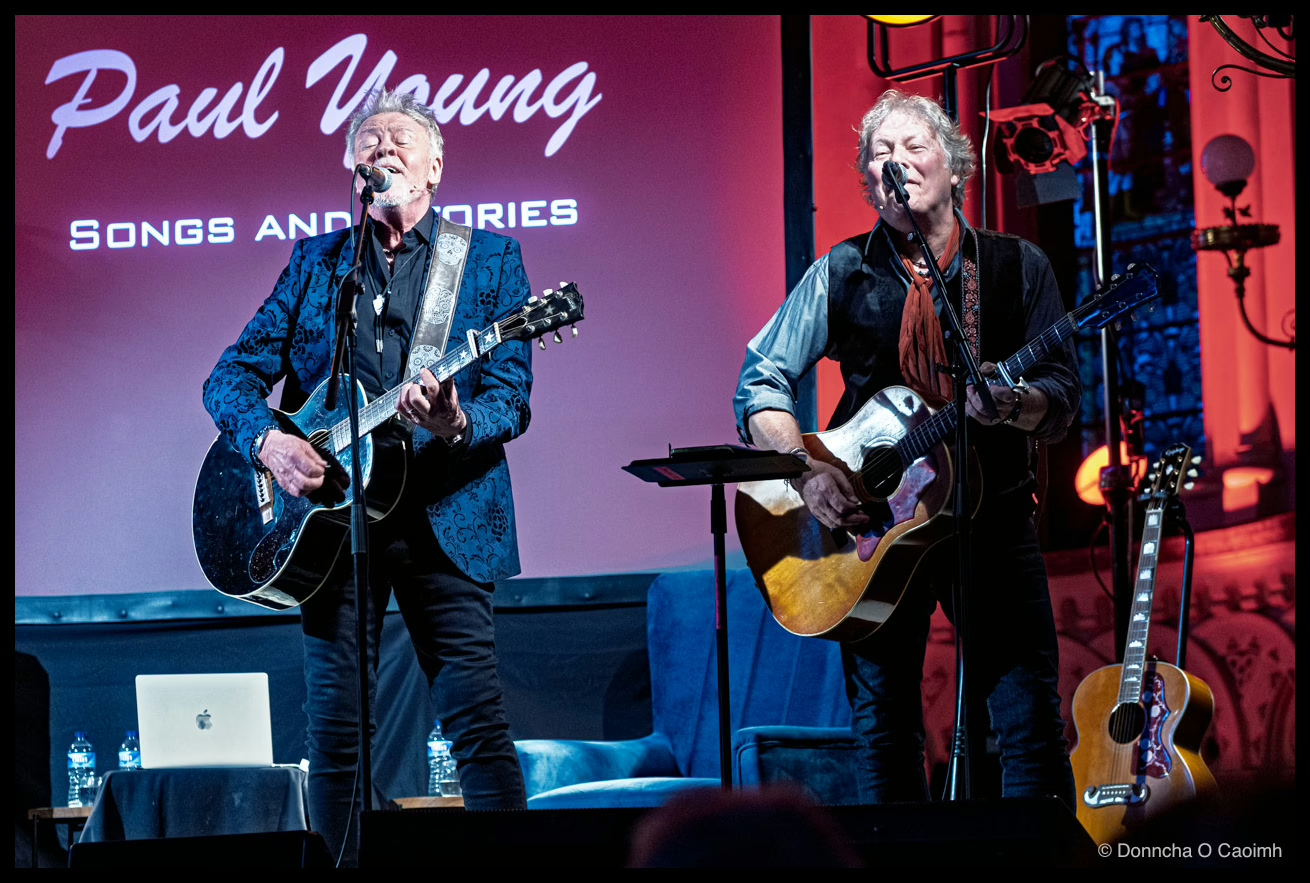
The show is billed as “Paul Young – From No Parlez to The Secret Of Association” and described as follows,
Paul Young looks back during these intimate shows, that combine conversation and acoustic versions of songs
Paul Young broke into the big time 40 years ago when No Parlez went to number one and spawned iconic hits like Wherever I Lay My Hat (That’s My Home). More success followed with the number one album The Secret Of Association and the worldwide hit Everytime You Go Away, not forgetting an appearance at Live Aid and more. Paul sustained that success – while having fun in his tex-mex band, Los Pacaminos. Now, he’s looking back during these intimate shows, that combine conversation and acoustic versions of songs. Paul’s meeting fans, singing songs, and telling stories about his incredible career. It’s time to revel in the classic hits and learn the stories behind them in this intimate show.
It’s a description that, judging by the reaction in the room, almost nobody had read. I hadn’t either, in fairness. But when it turned into more of a guided tour through the back catalogue than a straight-up gig, a few people in the audience got restless. There was heckling. There was talking. From row five I could still catch most of what was being said on stage, but further back, I suspect the experience was a different one entirely. Having said that, some of the worst heckling came from the benches in front.
Paul’s voice isn’t what it once was. He’s been open about damaging it early in his career, but the stories more than carried the night. The standout for me was his recollection of singing Radio Ga Ga at the Freddie Mercury tribute concert at Wembley in 1992. He talked about looking up and seeing that vast crowd clapping in unison. He was grateful that camera technology had moved on enough by then to put a camera behind him so the people watching at home could see what he was seeing. I’m paraphrasing, but the line that stuck with me was him saying how amazing it was “to be Freddie Mercury for five minutes”.
It was funny them suggesting that Roger Taylor was off-stage playing the drums. Before the show started we remarked how similar Paul Young in his advertising poster looked to Roger Taylor.
Go in with the right expectations. This isn’t ninety minutes of non-stop hits. It’s stories, memories, and a handful of songs, hosted by Paul and his old friend Jamie Moses, whose rapport is genuinely lovely to watch. Treat it like an evening in someone’s front room rather than a concert, and you’ll have a good time.