Restore terminal access to Dropbox on macOS

Dropbox just updated and moved the Dropbox folder to ~/Library/CloudStorage/Dropbox, a secure location. There is still a symlink from ~/Dropbox to that folder, so hopefully any local scripts will continue working.

The first thing I did was open an iTerm2 and attempt to look in ~/Dropbox with cd Dropbox. As it is hard-coded in my brain, when I change to a new directory, I will want to see what’s in it, so I immediately typed ls -l. Too fast for my own good, as I noticed the flicker of a dialogue appear and disappear when I tapped the return key.

~/Dropbox » ls
ls: cannot open directory ‘.’: Operation not permitted

I had denied iTerm2 access to the Dropbox directory. Oops.

Thankfully, it’s easy to fix. Open up the Security & Privacy settings in System Preferences. Go to the Privacy tab.

Click on Files and Folders and scroll down to your terminal programme.

You’ll see a new checkbox there for Dropbox. Click the lock to authenticate and click the Dropbox checkbox.

Go back to your terminal, and you’ll be able to see what’s in ~/Dropbox once again.

Lightroom Classic does not have access to some Standard folders.

I have found a brand new error in Lightroom that doesn’t appear in search engines yet. It started happening after the update today. There are similar error messages reported on the Adobe forums, but not this one.

Unfortunately, the “Learn More” link goes to a URL that quickly changes to https://helpx.adobe.com/lightroom-classic/help/allow-permissions.html which shows a 404!

It appears the entire https://helpx.adobe.com/lightroom-classic/ directory is showing a 404 now. I guess they really do want to get rid of Lightroom Classic.

Anyone know how to fix this one?

Edit: the next morning it looks like Adobe have fixed their site and the documentation above is live!
For unknown reasons, that warning dialogue has gone away. The only major change was updating to macOS 12.5.1. If you see the error, “Lightroom Classic does not have access to some Standard folders.” then hopefully updating macOS will do the trick, but the documentation is now working and suggests going into Systems & Privacy to give Lightroom Classic more access.

Bye Bye Relics of 1999

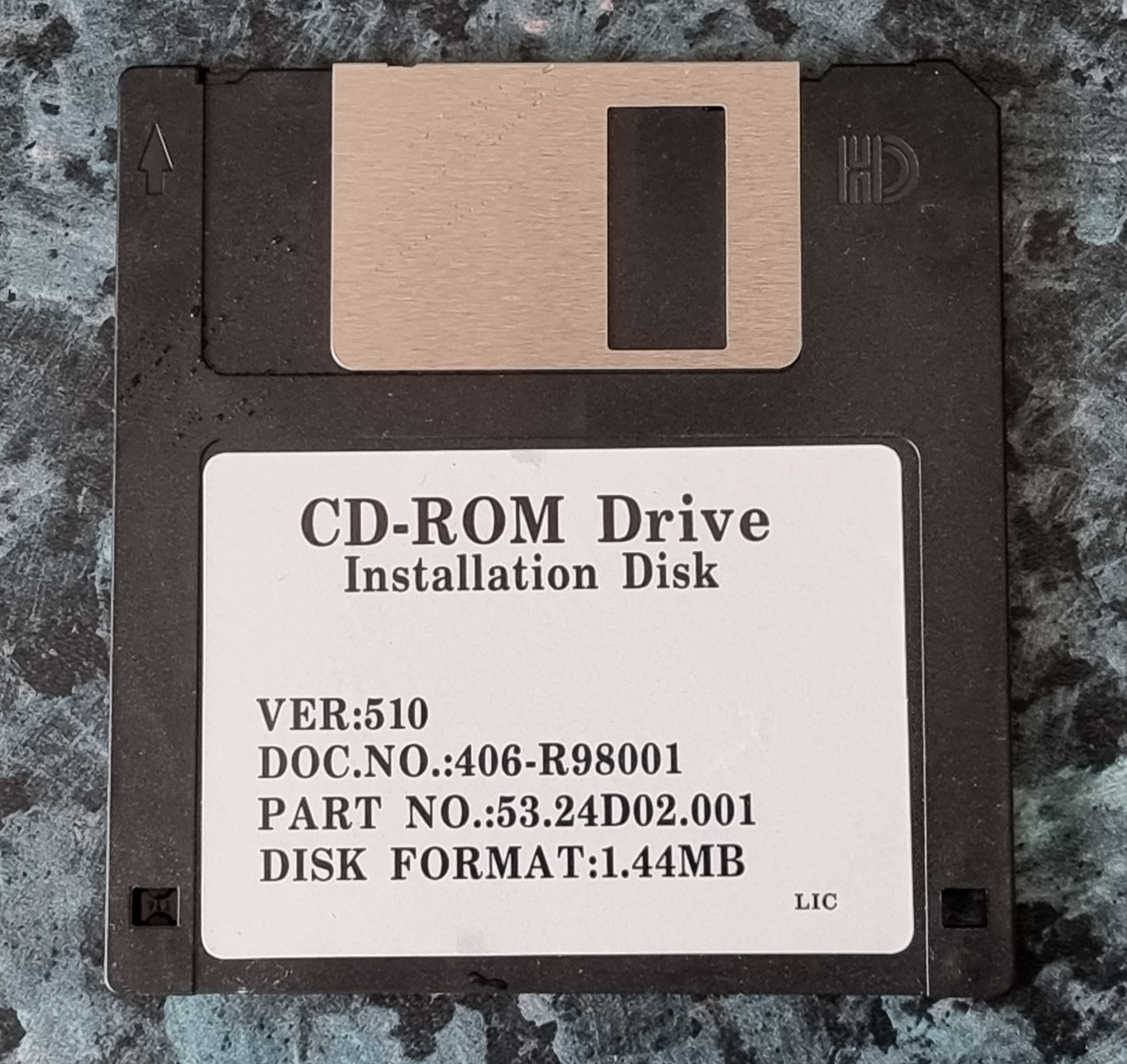
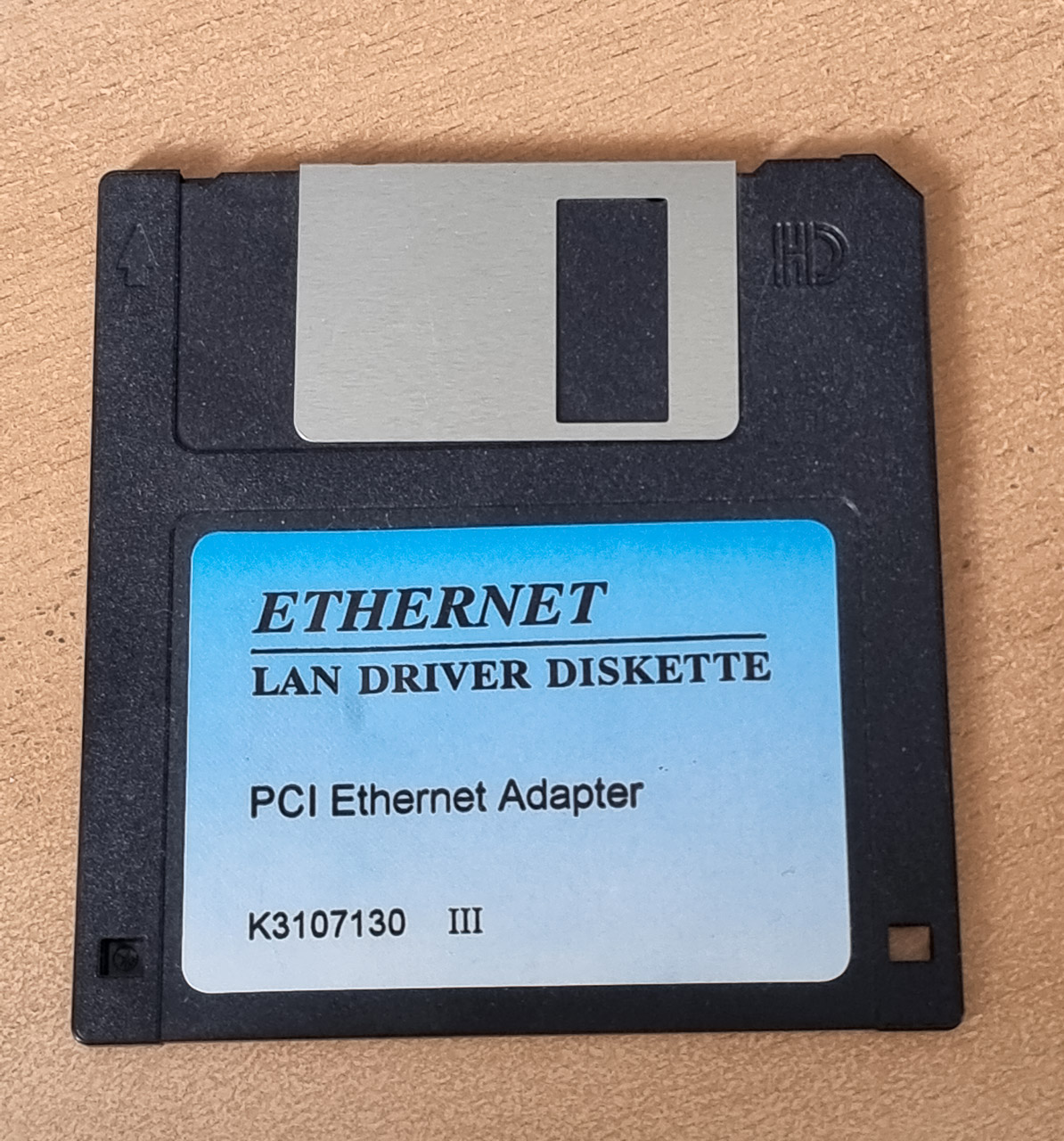
It’s about time I dumped some of this stuff. Two of my machines have a CDROM drive but I don’t use either of them. I haven’t had a 1.44MB floppy drive in well over a decade, or more likely fifteen years!

I recently found the binder with these items, the motherboard manual and other things. They were stored away in a dark corner of a cupboard for more than 20 years. Safe in their dark spot but ever so slowly decomposing. The machine they belonged to has been long disposed of.

When was the last time you installed software from a CDROM or a floppy disk? I ripped the DVD box set of “All Creatures Great and Small (1978)” last December. It was on my ageing Macbook, but I do not remember the last time I used a PC floppy disk at all.

February 2012 was the last time I used a C64 disk. I archived as many of my C64 disks as I could then. Those disks are still in the attic. I don’t know if I’ll ever be able to throw them out. I guess they’ll be disposed when I’m gone and they’re an ancient artefact of a bygone era.

Google Photos ends free storage tomorrow

That photo taken today is a helicopter rotor

Google Photos will start counting your uploads against a storage limit from tomorrow. Make sure you upload anything you’ve been meaning to upload in the next few hours!

Also go into your shared albums and click the “Save photos” button if you want “local” copies of any photos shared with you.

I’m sticking with Google Photos. The ease of sharing photos and AI search make it worth while, but I will be disabling automatic upload off my phone. I take too many snapshots that I don’t care enough about to pay for them.

Firefox: bookmark all the tabs

Browser tabs. We all love them, and then we hate them when there are too many. Sprinkled among the litter of blog and Facebook posts, Twitter and Reddit threads, are the nuggets you want to keep.

Too many things

You could just close them, you probably won’t miss them but my brain rebels against the thought. Instead I’d like to bookmark them somewhere so at least in some distant future I can review them at my leisure. Thankfully it’s easy, in Firefox at least. It looks like it’s even easier in Chrome!

First of all, right click on a tab and click on “Select all tabs”.

All your tabs will be highlighted and “Bookmark Tab” helpfully changes to “Bookmark Tabs”.

Clicking that will bring up a familiar bookmark window. I opted to put the my browser windows into different folders. I had a lot of tabs open..

But now I’m back to one window and a handful of tabs related to my current project. Out of sight, out of mind! 🙂

BXS-HD1 True Wireless Stereo Earphones

I don’t know much about audio, and my hearing has been damaged by too many noisy nightclubs in my twenties but I do listen to a lot of podcasts using earphones.

In the past I preferred to use wired Apple earpods and I still use them. I bought Urban 1 wireless earphones back in September but then I remembered why I hate those earphones that stick deep into your ear. They’re never comfortable. My ears got sore, and they would always fall out with the slightest movement if I wasn’t wearing a hat against the cold.

So, last November I read about the BXS-HD1 True Wireless Stereo Earphones from Onesonic. There were glowing reviews from Irish tech journalists, and similar reviews by people on Twitter. At €59.99 they’re not too expensive either.

I must say I’m very happy with them. Podcast audio is crystal clear. Music is too. They’re reasonably good at dealing with bass.

They sync with my Galaxy S9+ when I lift them out of the case. Double tap pauses the audio usually, though sometimes that gets temperamental and I need to unlock my phone to pause. Volume controls (single tap) worked fine.

I wasn’t too impressed with the microphone. I tried it twice. Once while out for a walk on a cold morning. The hat I wore rubbed against the earphones and the other party could barely hear what I was saying. Back in my office on a Zoom call my team reported my voice sounded low.

Besides that I recommend them. They’re shipped from Ireland so if you’re in the EU you won’t have to worry about extra customs fees due to Brexit.

(This is not a paid review, I’m just happy with my purchase.)

Just use Signal

Just use Signal, the privacy first messaging system.

What’s in it for Signal? They’re a non-profit. Money isn’t their main goal. Read about their very interesting history on Wikipedia.

(But if they ever break that trust I’m going back to SMS texts!)

Update a few days later: This post was obviously prompted by the move WhatsApp made to change their privacy policy and ultimatum they gave users to “accept it or go away”. They have since announced the changes won’t take effect until May this year.

This Gizmodo post is the best yet at explaining what changes are to come. It’s a long article worth reading but in summary (and I’m open to correction if I get this wrong), your messages to friends and family were never in danger of being revealed to Facebook. Businesses who use WhatsApp have a special way of using the platform (a business API) and they may use an outside agency to help them deal with this messaging. As soon as that happens the outside agency can see the messages back forth between you and the business so the messages could in theory be stored by that agency. Someone else can see those messages then.

What I’m left wondering about is if companies have been doing this for years already why is a change in the privacy policy required now? Is it because a business can manage this messaging through Facebook.com?

I checked and I didn’t opt out of WhatsApp sending “anonymous data” (which is never really anonymous) to Facebook in 2016 for whatever reason. Maybe I didn’t start using WhatsApp until after this date. I wonder if the GDPR stops this data transfer?

Unmount USB drives from a script in macOS

I have a number of external drives hanging off my laptop, but sometimes I want to disconnect them. I used to go into Finder and click the eject button but I have five drives now so that’s getting unwieldy.

There are a few different ways of doing this. I wrote a small BASH script based on information here.

I created a shell script on my Desktop, added the following, changing DRIVE to the volume path for each of my external drives:

osascript -e ‘do shell script “diskutil unmountDisk /Volumes/DRIVE”‘

After creating that script I made it executable with chmod +x and as I use iTerm2 as a terminal I associated .sh files with that (Finder, right click on script, Get Info->Open With).
Every time I double click the script a new tab opens in iTerm2 and I see the progress of the unmount commands!

Want 3 months of Backblaze?

Ho Ho Ho! The folks at Backblaze must be feeling the Christmas cheer as they're adding 3 months of Backblaze backup to anyone who signs up within the next 21 days.

I’m a huge fan of Backblaze, having paid for the service since 2013 and had to recently use their backup to restore more than 3GB of photos I took on December 1st and 2nd.

So, if you’re not backing up your data I can recommend Backblaze. Sign up here for a free trial, and if you buy a subscription you’ll get 3 months free, but only if you sign up within the next 21 days. I get 3 months free as well which will make me very happy too. 🙂