Creating a Shared Photo Library in Immich

If you’re using Immich to manage your photos, you may have discovered that sharing photos between users isn’t as straightforward as you’d like. Many users, particularly couples or families, want a shared folder where both parties can upload photos that are automatically visible to each other, complete with face recognition and smart search capabilities.

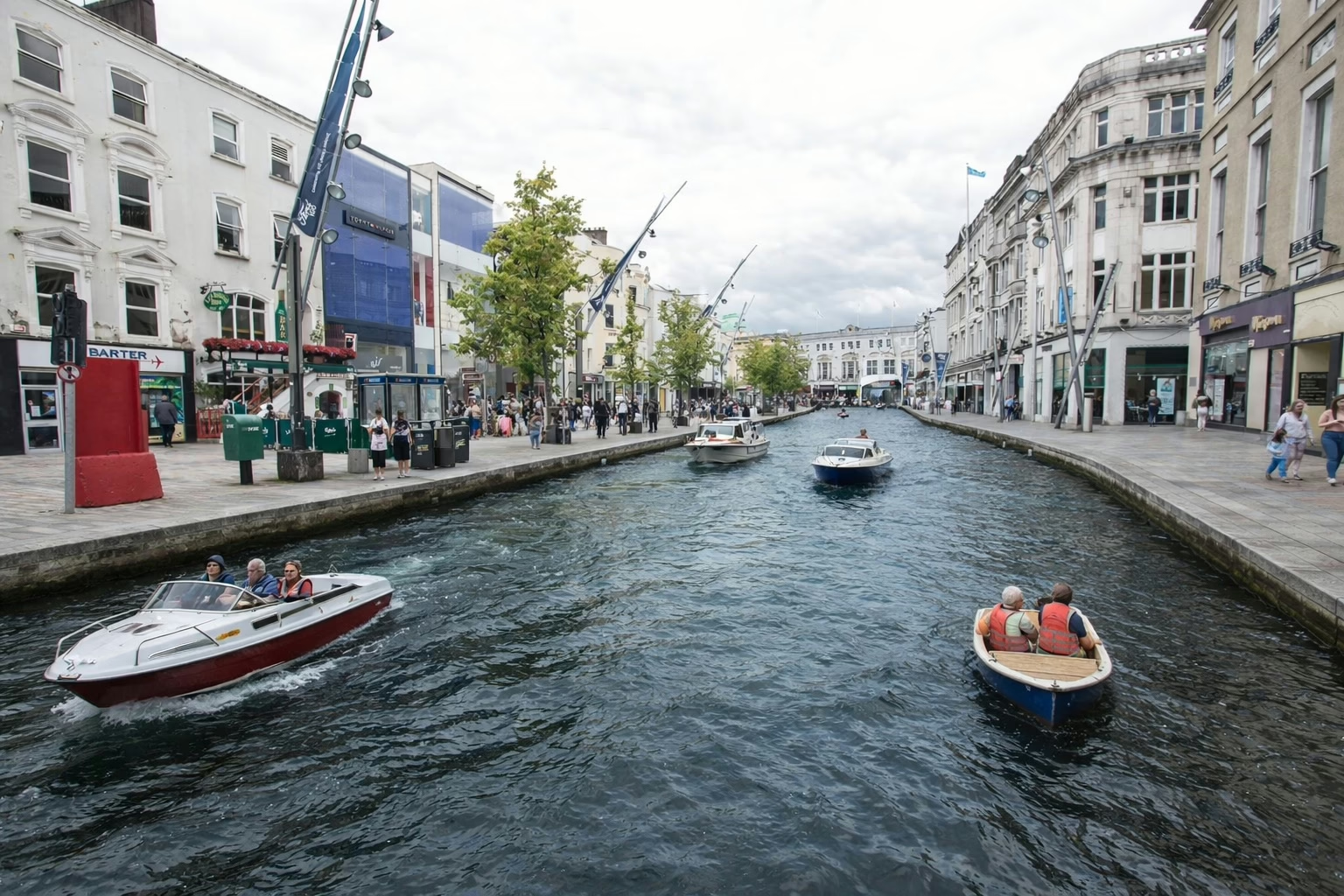
Boats in Crosshaven at sunset.

While Immich has shared albums, they don’t quite solve this problem. The photos don’t appear in search and aren’t processed for face recognition or analysis. What we really need is a true shared library where both users have full access to the same photos with all of Immich’s powerful features.

Here’s a solution using external libraries and symlinks that creates a pseudo-shared folder between Immich users.

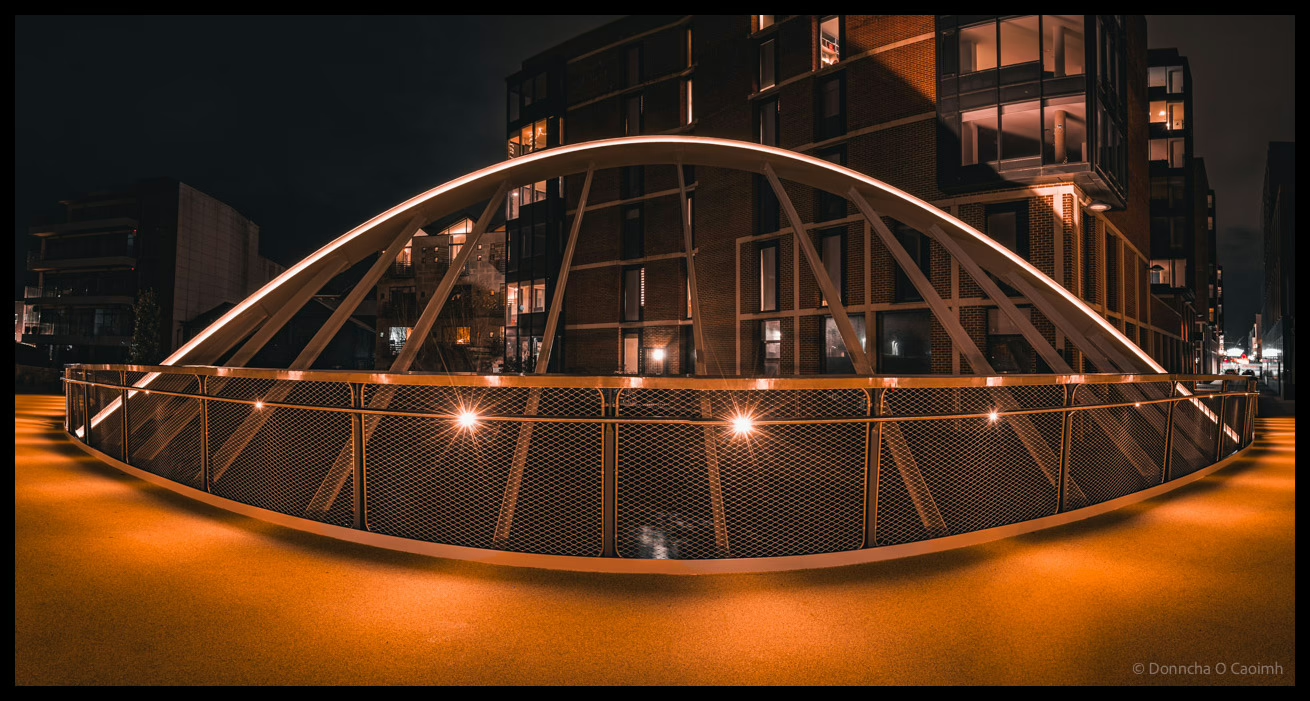
The as yet new and unnamed bridge in Cork.

Important: If you rely on uploading photos through the Immich app on your phone this method won’t work for you. You’ll need to sync the photos some other way and copy them into an external library. I export my photos from Lightroom Classic on my laptop, and Syncthing syncs them to the Immich server. Everything is automated from the moment I publish them to the shared directory.

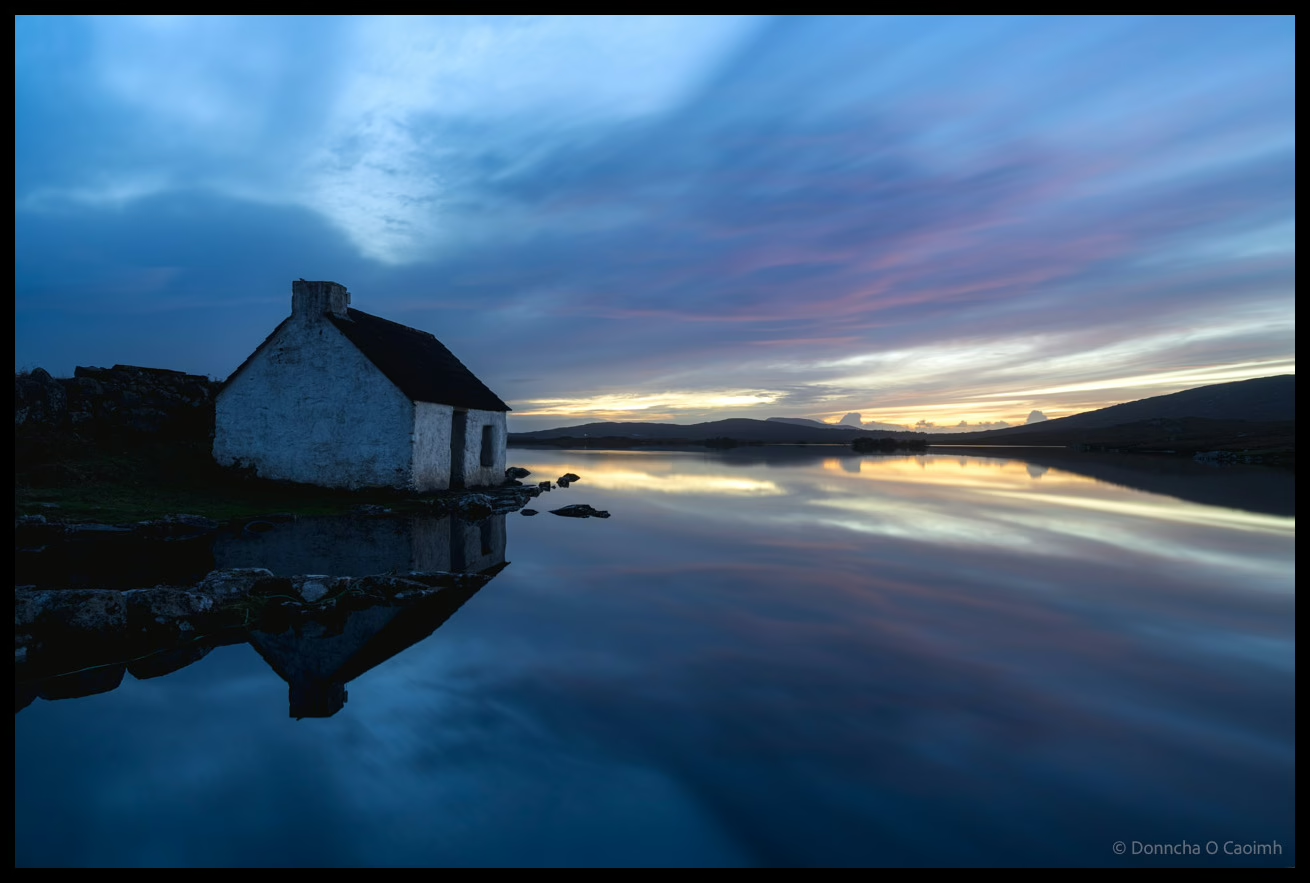
Fisherman's hut in Connemara.

This approach uses external libraries and symbolic links (symlinks) to create a shared photo directory that appears in both users’ Immich libraries. Each user uploads to their own “shared” directory, and through symlinks, those photos automatically appear in the other person’s library as well.

Requirements

  • Access to the Immich server’s file system (typically via SSH or direct access).
  • External libraries enabled for each user.
  • Basic familiarity with Linux commands.

Step-by-Step Setup

Let’s walk through this with an example using John and Mary, a couple who want to share their photos.

1. Set Up External Libraries

First, both users need to have external libraries configured in Immich. For this example, let’s say the external library on the server is this folder:

/mnt/external_library/

It will be mounted in Immich at /external_library/ in this example.

Create a directory structure like this:

/mnt/external_library/
├── john/
│   └── shared/
└── mary/
    └── shared/

2. Configure the External Libraries in Immich

In Immich’s admin web interface:

  • For John, add an external library pointing to /external_library/john
  • For Mary, add an external library pointing to /external_library/mary

3. Create the Symlinks

This is where the magic happens. We’ll create symbolic links that connect each person’s shared directory to the other person’s external library.

Log in to the Immich server and run these commands:

cd /mnt/external_library/john/
ln -s ../mary/shared mary_files
cd ../mary
ln -s ../john/shared john_files

4. Upload and Scan

Now when John uploads photos to /mnt/external_library/john/shared/, they will:

  • Appear in his own Immich library
  • Automatically appear in Mary’s library (via the symlink at /mnt/external_library/mary/john_files)

The same works in reverse for Mary’s uploads.

After uploading, trigger a scan of the external libraries in Immich, and both users will see the shared photos.

A red deer digs up grass during the rutting in Killarney.

How It Works

A symbolic link is like a shortcut that points to another location in the filesystem. When Mary’s Immich library scans /external_library/mary/, it finds the john_files symlink and follows it to John’s actual shared directory. From Immich’s perspective, it looks like Mary has those photos in her library, but they’re actually stored in John’s directory.

Advantages

  • Full Immich functionality: Both users get face recognition, smart search, and all other Immich features on the shared photos
  • Simple uploads: Just upload to your own shared directory—no manual copying needed
  • Bidirectional sharing: Both users can add photos that the other will see
  • Single source of truth: Each photo is stored once (by the person who uploaded it)

Disadvantages

  • Duplicate processing: Immich will process each shared photo twice—once for each user. This means:
    • Face recognition runs twice.
    • Smart search/ML classification runs twice.
    • More CPU and storage usage for thumbnails and metadata.
  • File ownership: Photos remain in the uploader’s directory. If John deletes his Immich library or account, Mary loses access to his photos.
  • Requires server access: You need command-line access to the server to set up symlinks.

Important Notes

  • Upload directly to external libraries: Don’t upload to your main Immich library through the app. Upload directly to the shared directory in your external library.
  • Backup strategy: Make sure your backup solution covers the external library directories.
  • Permissions: Ensure that the Immich container has proper read permissions for all directories involved.
A man in a black coat and cap looks to the side in front of a "SALE" sign with people on the sign.
A young girl sits on the wall nearby.

Conclusion

While this solution requires some technical setup and comes with the overhead of duplicate processing, it provides a practical way to share photos between Immich users with full functionality. This approach has proven reliable for my wife and me, who wanted a shared family photo library without waiting for native multi-user library support in Immich.

If you’re comfortable with the command line and the tradeoff of duplicate processing, this solution provides the shared photo experience many users are looking for.

Geotag your photos in Lightroom Classic

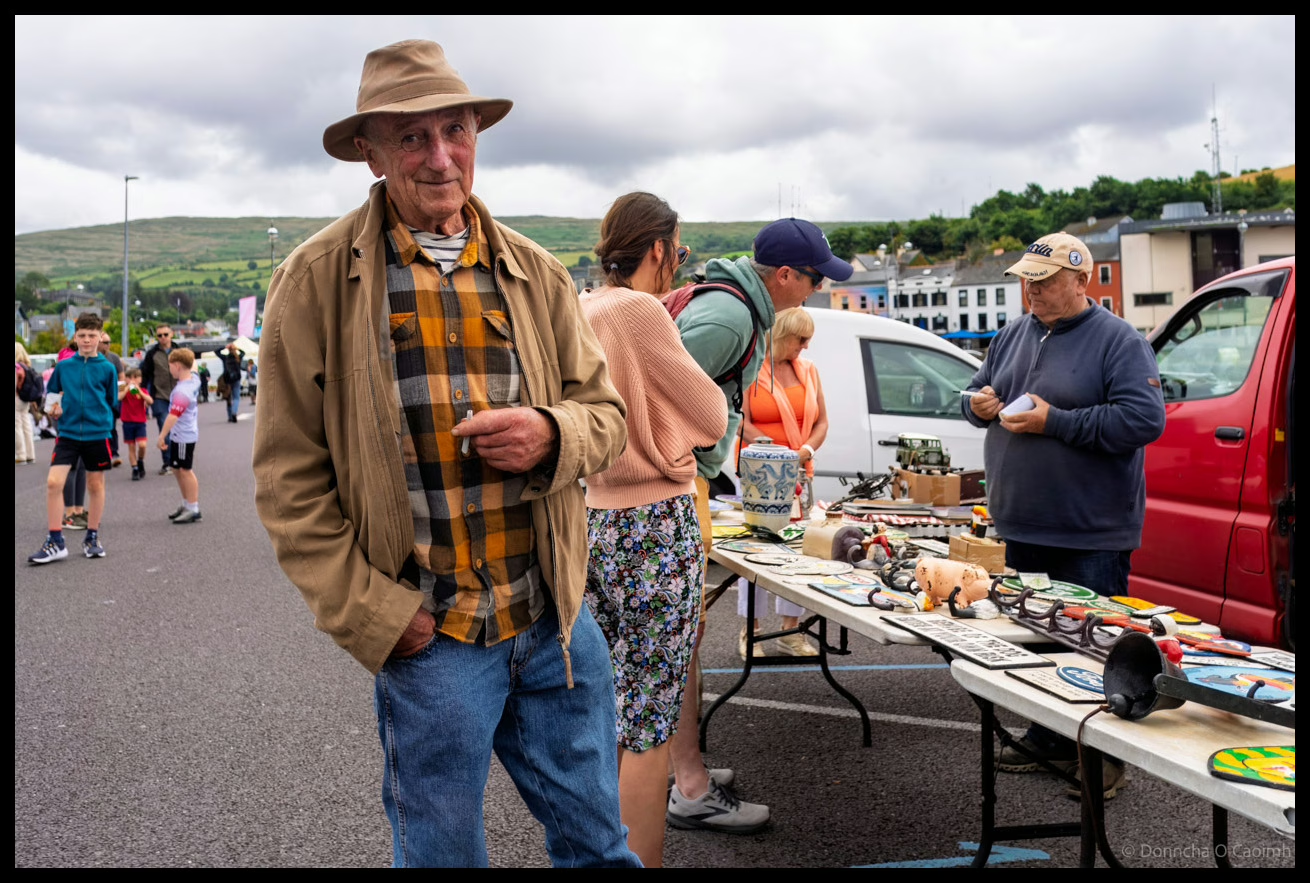
A gentleman in tan hat and plaid shirt standing at a busy car boot sale in Bantry with market stalls and shoppers browsing various items spread on tables, County Cork.

Geotagging your photos means adding location data to the image so they can be displayed on a map. Be aware that doing so might reveal sensitive information you’d rather keep secret like your home address.

You can of course remove location data when you export images, like I did with the images in this post.

Anyway, here is how I geotag my photos.

For photos I’ve already taken, I use Google Timeline and export it from my Google account using Google Takeout. You’ll get a rather large “Recent.json” file out of that. To convert that file into the GPX format usable by Lightroom Classic, use this Python script which I’ve already covered in this post.

When I go out with my camera now I use the Anrdoid app, OpenTracks. It’s a free app you can grab from f-droid, but there’s also a paid version on the Google Play Store if you want to support the developer. You can also use GPSLogger, a free app that has the advantage of being able to save your .gpx files to Dropbox or Google Drive.

On iOS, the myTracks app appears to do a similar job but I can’t test it. Please comment if you have tried it or know of decent alternatives.

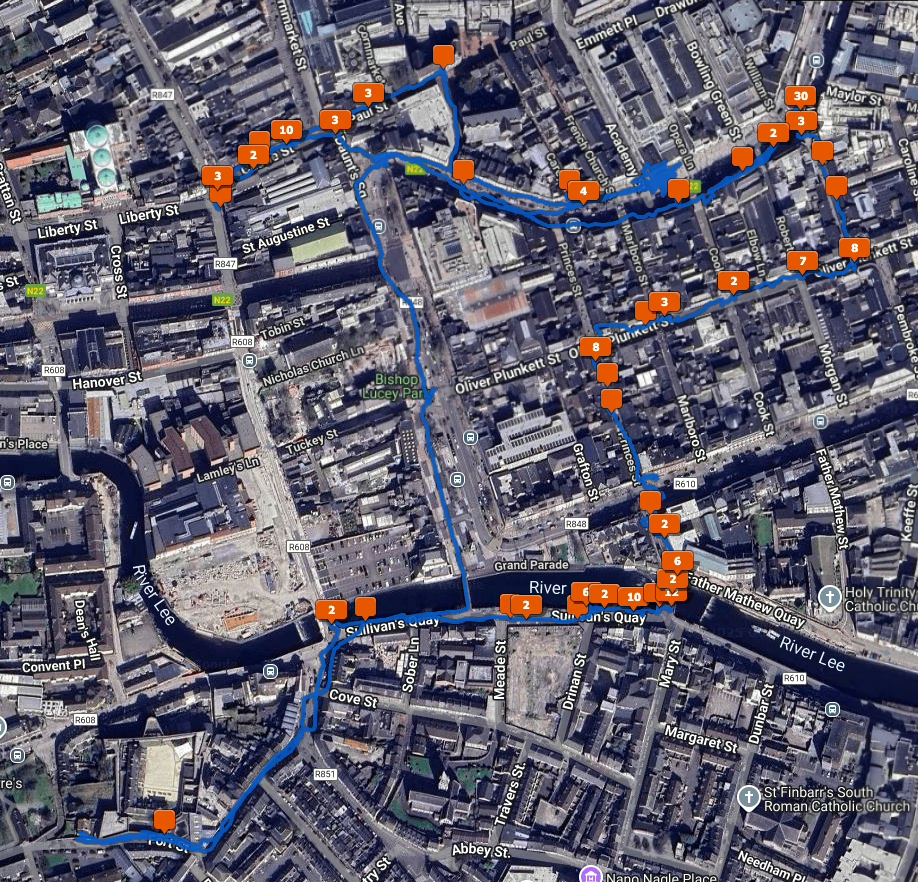
To geotag your photos in Lightroom Classic, the Adobe documentation on the subject is excellent. Once you’ve opened the Map Module and done it once it’s easy to do again. When you geotag your photos, the Map Module will look like this.

A satellite view of Cork City with a blue line showing where I walked and orange squares showing how many photos I took at various locations.

There is also Jeffrey’s “Geoencoding Support” Plugin for Lightroom that I’ve used for years but maybe it’s because of changes to LrC in recent years, it’s gotten really slow for me. I usually use the built in LrC functionality in the Maps module now.

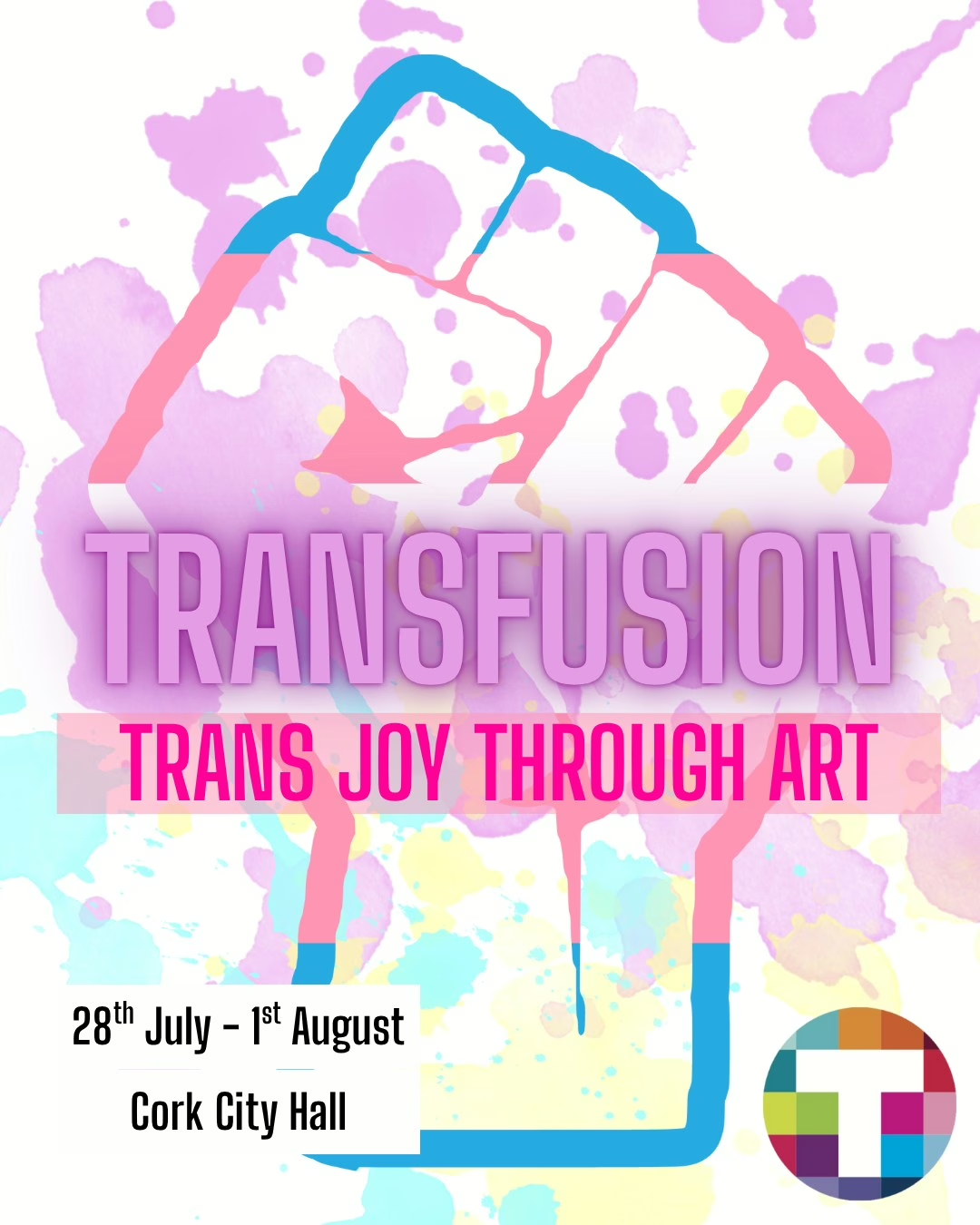
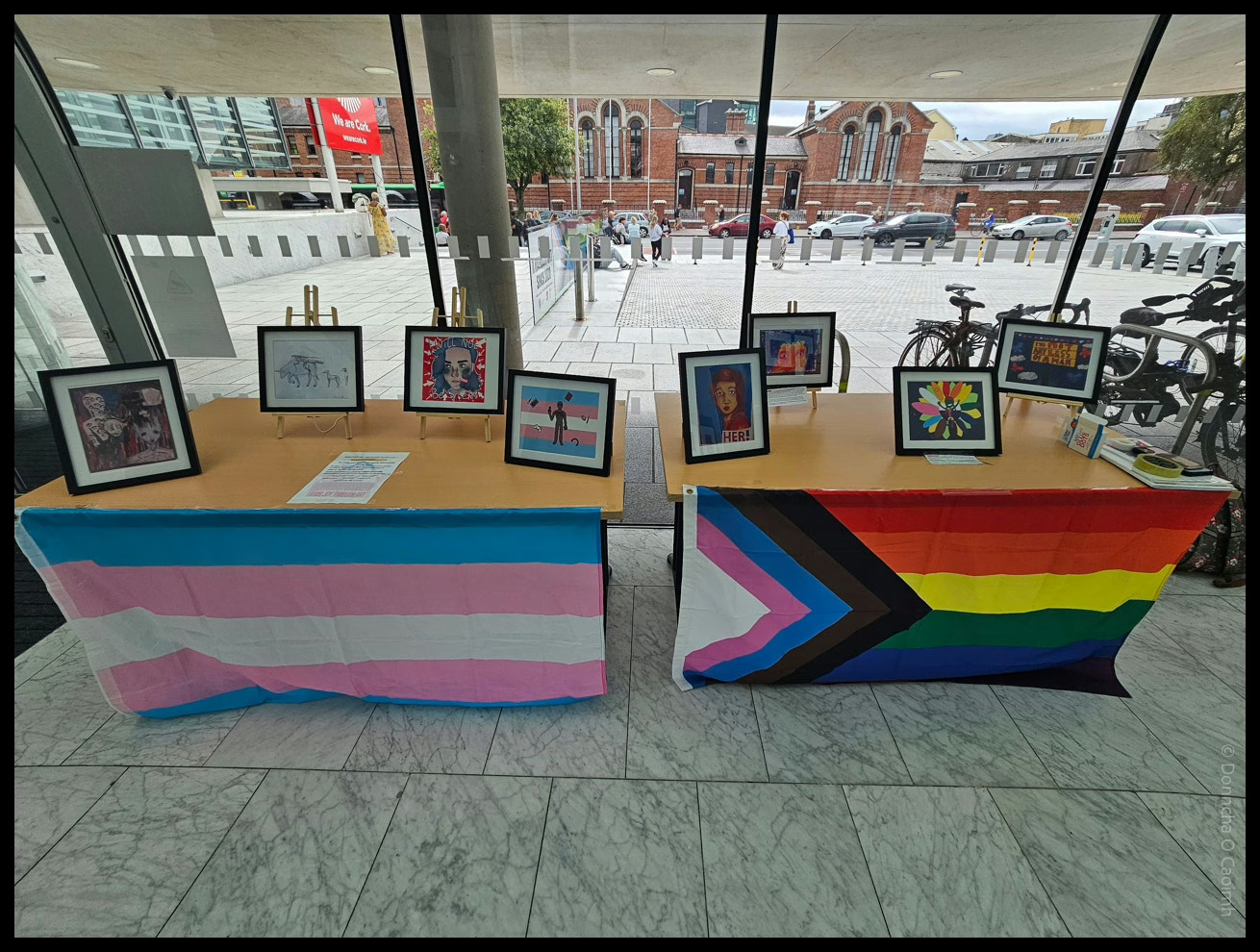
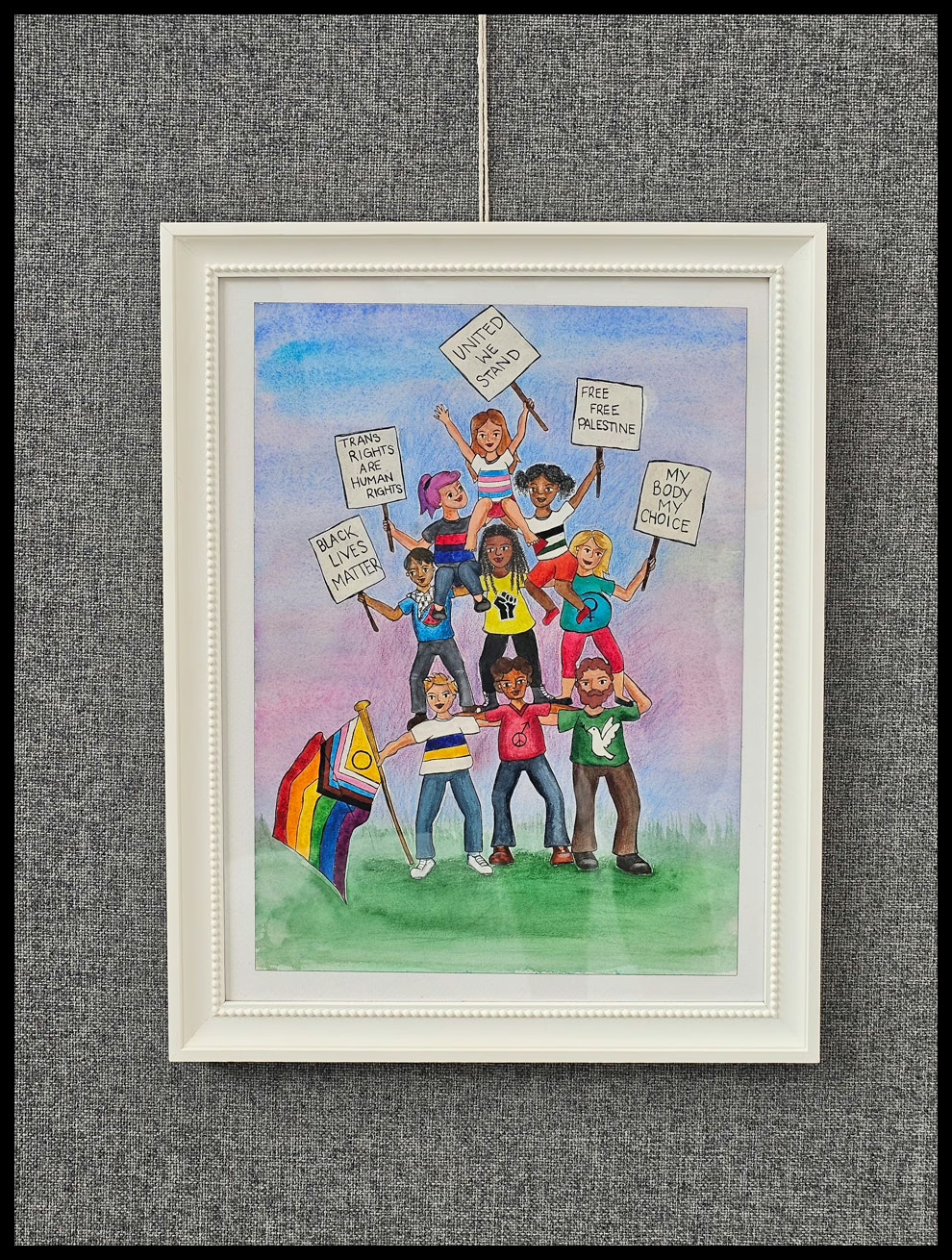
Transfusion Art Gallery at the City Hall

TRANSFUSION TRANS JOY THROUGH ART

@ Cork City Hall

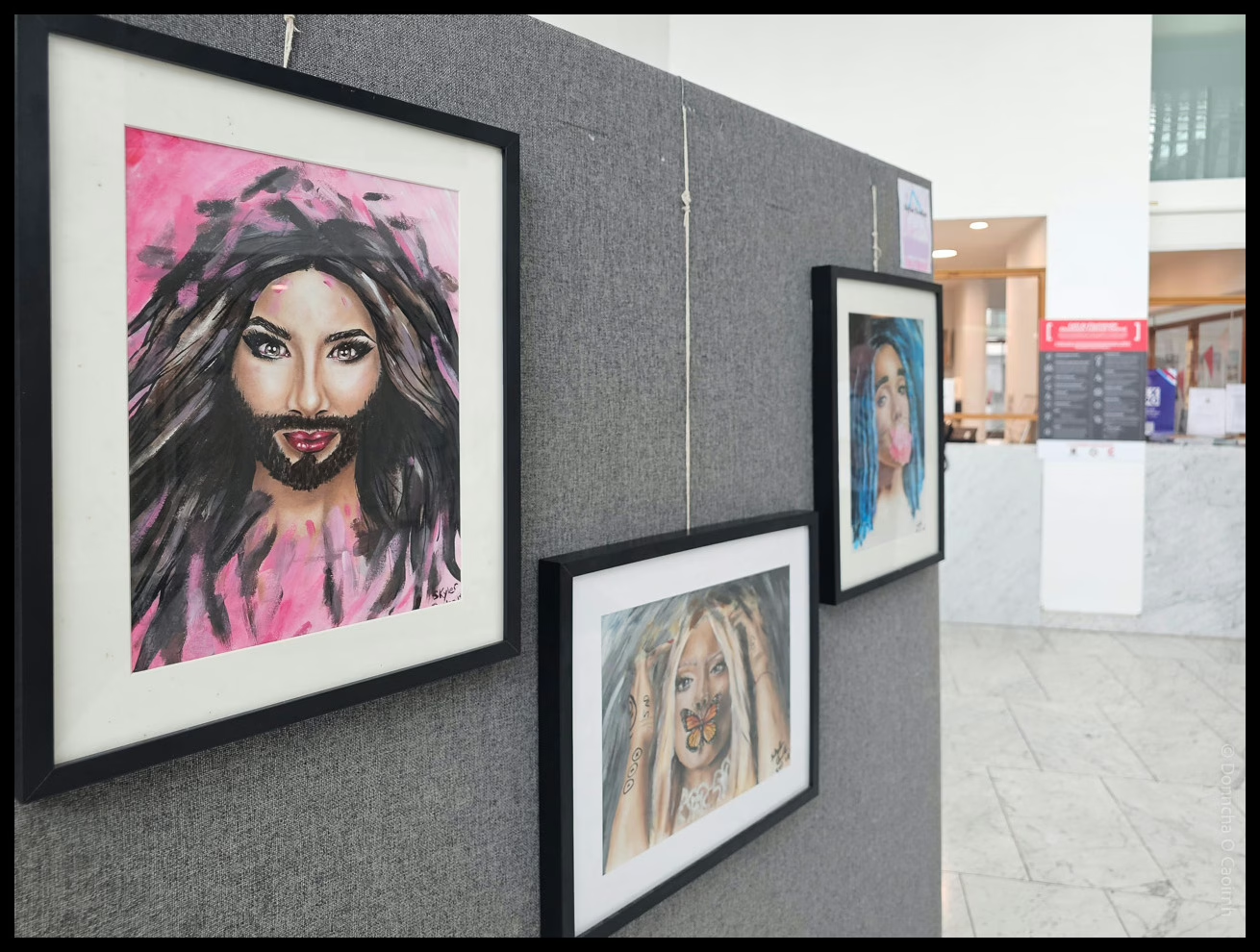
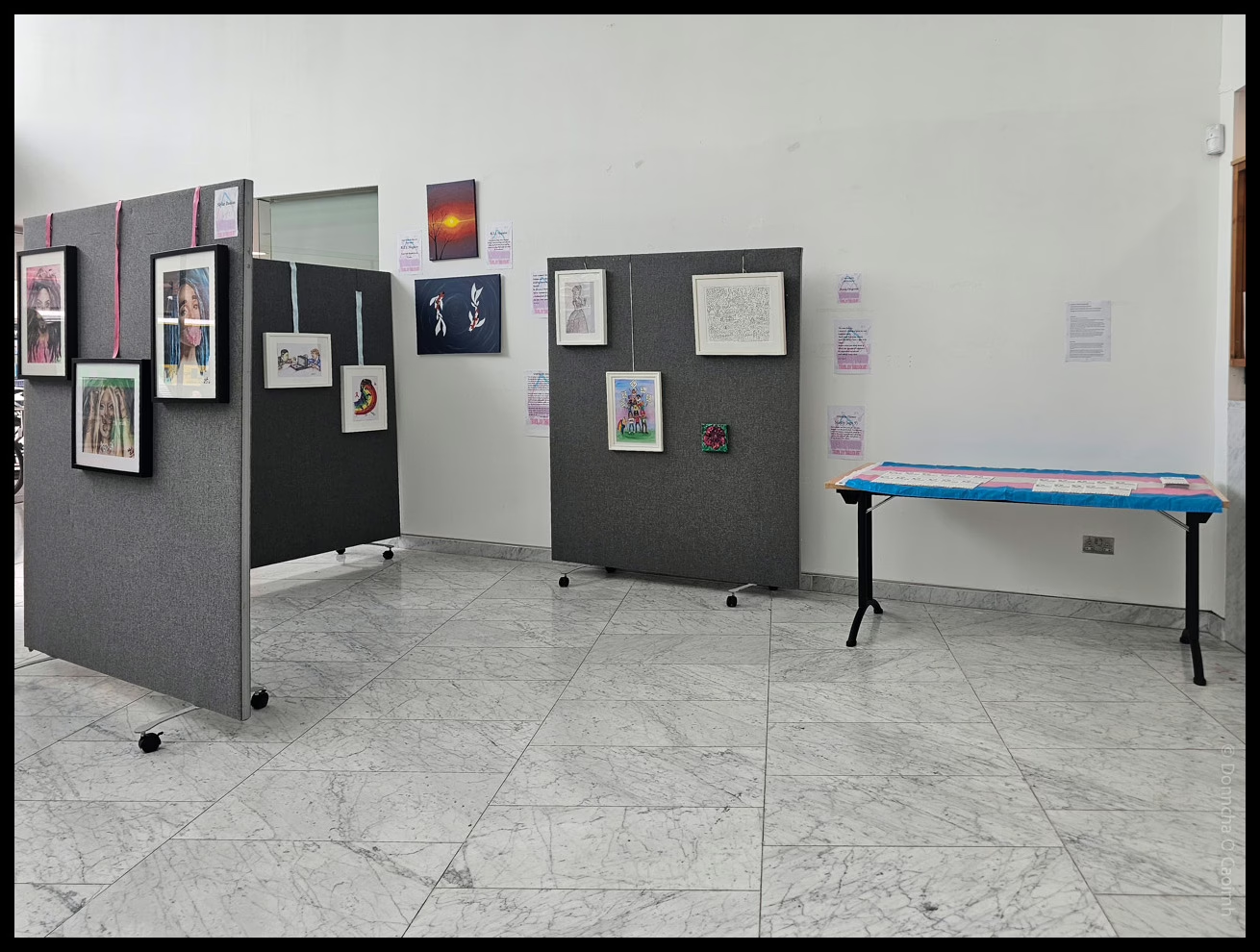
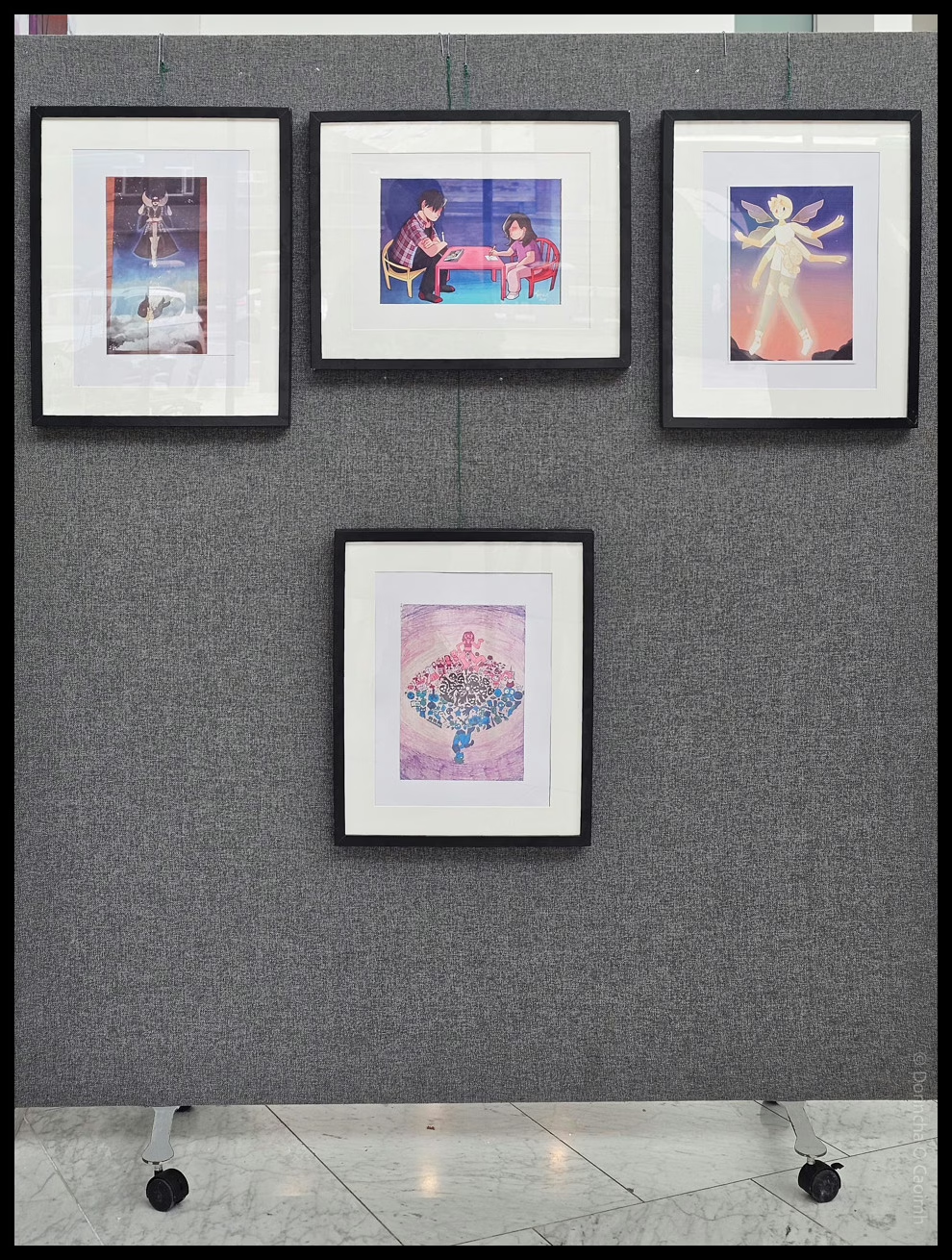
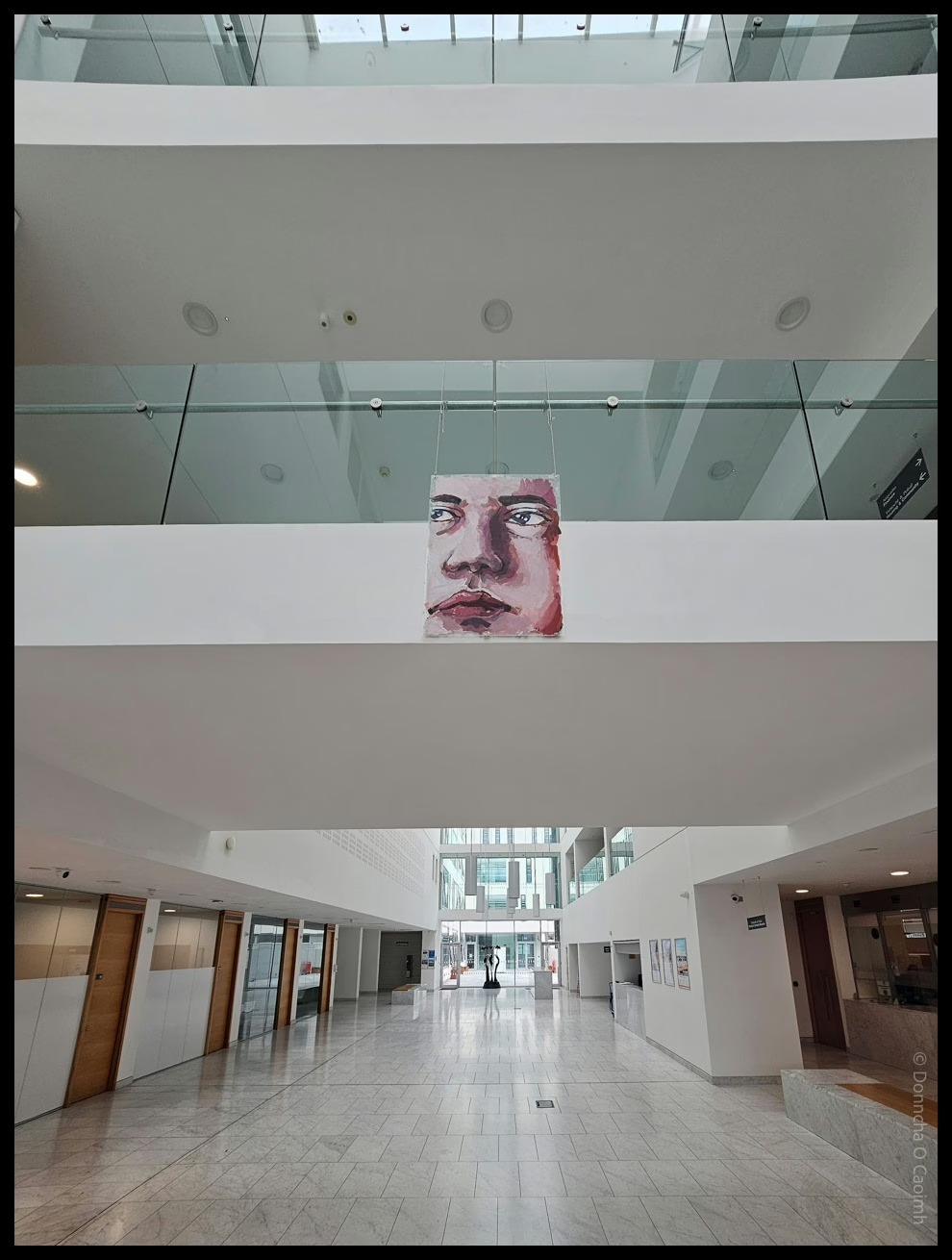
I helped the kind folk at TENI set up a small art exhibit in Cork City Hall yesterday. This week is Cork LGBT+ Pride Festival and this is one part of that celebration.

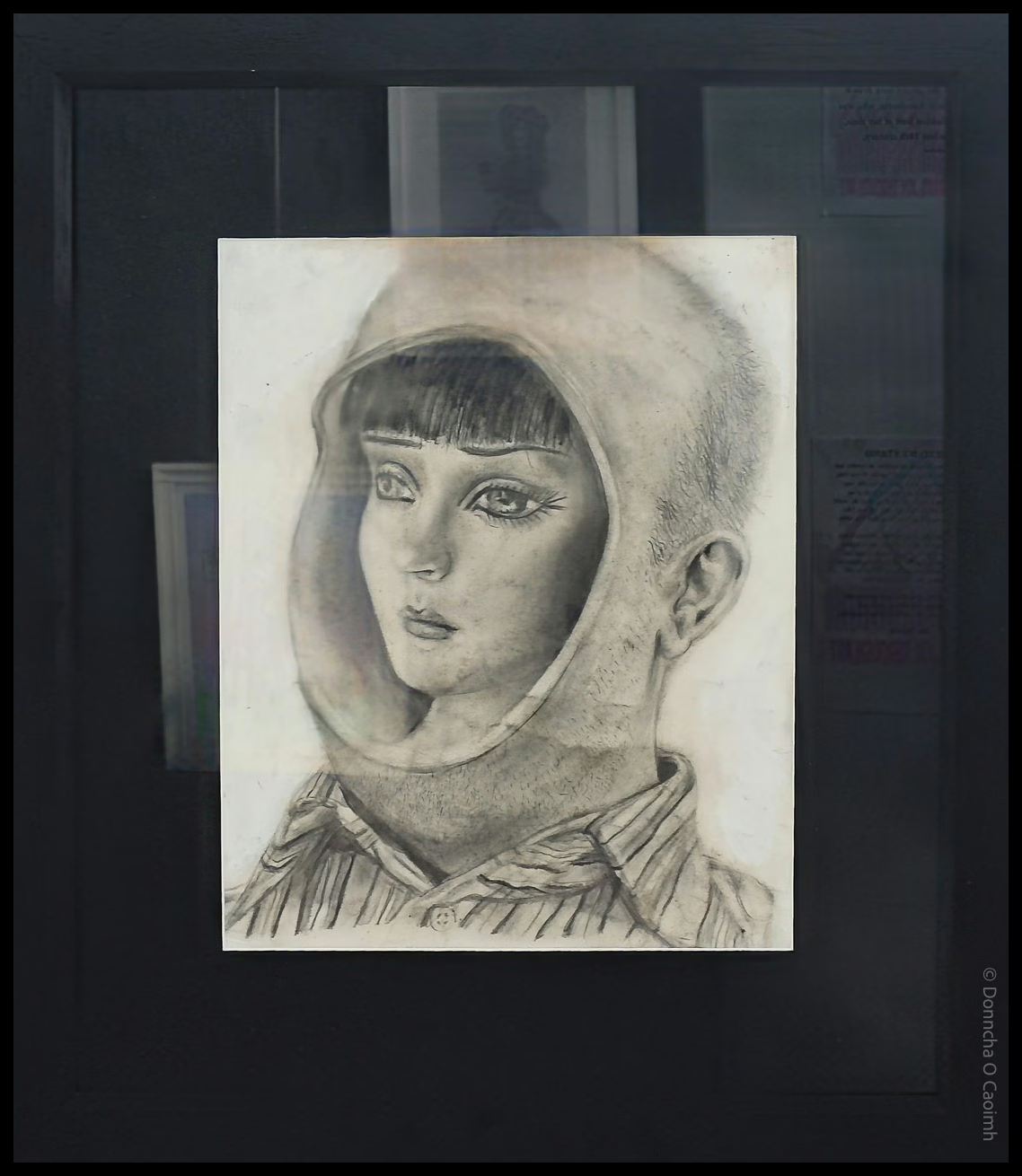
Transfusion features art made by young trans people, including a pencil drawing by the late Jordan Howe. She was a 19 year-old transgender woman from Belfast who took her own life because of transphobic bullying in 2014.

Drop into the City Hall on Anglesea Street. You can’t miss it. The exhibition will be on until August 15th.

Kennedy Quay development on hold?

Today I learned that the development of Kennedy Quay in Cork is on hold because An Bord Pleanála decided to refuse permission to develop Marino Point. To save you a click, it’s because they never had any plans for improving the roads in the area.

An Bord Pleanála decided this week to refuse planning to agricultural and chemical firm Goulding to develop port facilities at Marino Point in Cork Harbour, a decision that was two years overdue.

Despite being located in Cobh, the impact of this decision will be felt most harshly in the city centre, with hopes that these proposed developments at Marino Point would pave the way for the wider regeneration of Cork’s docklands and the construction of hundreds of new homes. 

However, ABP refusal has brought ambitious redevelopment plans to a standstill and the construction of more than 1,300 city apartments indefinitely on hold.

That area is ripe for redevelopment. When everyone saw the massive R&H Hall building go down, we were sure it was only a matter of time before badly needed homes were built there.

Here’s a great video showing some of the development around the harbour in the last year. Things are moving slowly, elsewhere.

Faulty Towers – The Dining Experience

Sybil and Basil Fawlty
BASIL!
Yes, dear!

If you’re a fan of Fawlty Towers, the hit British comedy from the 70s, then you’ll love The Dining Experience. Apart from the entertaining “shows” the three actors put on, you’ll, of course, be eating a three-course meal.

Manuel, the hapless Spanish waiter, doing his best to do his job.
I know nothing!

In Cork, they performed in the Metropole Hotel, so the food was great. Portions were small but it’s the experience you’re paying for and I have no hestitation in recommending it if you’re at all familiar with the show!

Blarney is Frozen

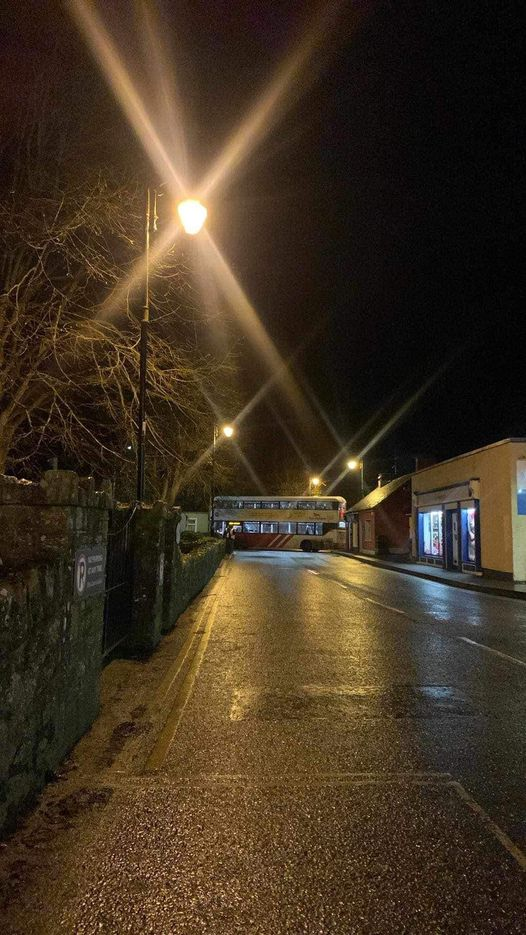
Schools are back this morning, but temperatures are staying around 2ºC (feels like -3ºC) which would be manageable except it rained around 4am this morning. Local roads are lethal, with vehicles already skidding and crashing.

A double-decker bus skidded on black ice at one end of the village and blocked the road completely.

Twenty minutes later, two delivery trucks jackknifed after coming down the hill coming from the opposite side of the village.

I live on a hill, and watched cars come down it very, very slowly. Thankfully, no incidents there yet.

Pictures come from the Blarney Blog on Facebook.

Extra bits:

Damien Boylan was on RTÉ Radio 1 talking about the freeze with Claire Byrne.

Barry Hoare is internet famous for capturing a video of the bus crashing just outside his garage. Part of his wall was demolished by the bus!

PS. I forgot to say, happy birthday Matt!

Final section of Macroom Bypass opens soon

The final section of the new road bypassing Macroom and other towns in Co Cork will be opening next month, hopefully. The existing sections make that drive a pleasure now, as we can bypass the bottleneck of Macroom, and avoid the twisting roads just west of Ballyvourney.

We drove to Killarney on Saturday morning to photograph the deer in Killarney National Park, and that road was lovely to drive. It’s disconcerting there’s no hard shoulder, but there are lay-bys at least. We passed through Ballyvourney around 7am, and saw a local shop was already open, but I wonder what effect the new road will have on local business?

On the way back, we stopped in The Mills, on the edge of that town, for lunch. It was well over a decade since I’d eaten there. The place was packed with diners, and even a Hen Party! The food was delicious and staff were friendly. Will it be so easy to get there next month, or will drivers have to drive through the entire town to visit?

Tomás Mac Curtain mural on Coburg Street

A new mural was pained recently at the top of Coburg Street, Cork. It depicts Tomás Mac Curtain, Lord Mayor of Cork, playing a violin and surrounded by people from his life. He was assassinated by members of the Royal Irish Constabulary in 1920, at the age of 36.

The mural was painted by Shane O’Driscoll and Peter Martin of Ardú Cork.

In the local press:

An umbrella for the sun

Why don’t people use an umbrella to shield themselves from the sun when they’re out for a walk? It’s a perfectly natural item to use if rain is falling from the sky, but if it is the UV radiation of a sunny day, there’s none to be seen.

A screenshot of the weather forecast showing it will be 19C - 20C today under clear skies.

It felt weird, but I took my dog for a walk and I used a black umbrella. OK, it felt more than weird. It felt stupid. I mean, it wasn’t raining. There’s hardly any cloud in the sky. I had an SPF 50 mineral sunscreen on already.

DIego, a chihuahua lying down in his blanket

But, you know what? I realised I was a lot more comfortable than I normally would be. My dog, Diego, sniffs around in the grass, forcing me to wait around on the other end of his leash. There are trees about, but not enough shade. I had a black umbrella over my head, covering my upper torso and arms. I took my baseball cap off because I didn’t need it. It was nice.

Diego was happy, reading the unseen and unsmelt messages we humans can’t perceive.

On the way back, he stopped, and wagged his tail slowly when I asked him if he wanted to be picked up. He is a 2.5 kg chihuahua, after all. He lay on my arm, and cooled down in the shade cast by me and the umbrella!

I’m not a huge fan of the sun. You’ll never find me sitting in a chair soaking up the rays, so when I do go out in it, it’s nice to be prepared.

PS. I realise 19C (66.2F) isn’t that hot, but I’m melting here!